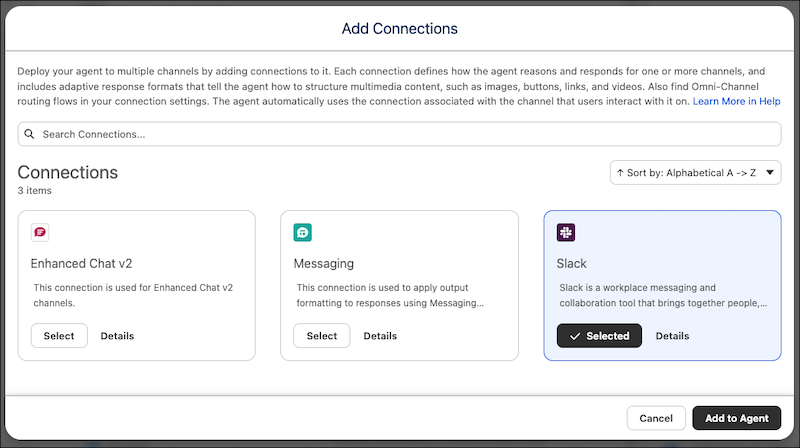
To connect an Agentforce Employee agent to Slack, simply add the Slack connection to it in the new Agentforce Builder. The Slack connection also gives the agent context and structure that helps it craft conversational messages specifically for Slack. Previously, you had to install the Slack connected app and add it to the Messaging connection.
Where: This change applies to Lightning Experience in Enterprise, Performance, Unlimited, and Developer Editions with Foundations or Agentforce 1 Editions.
When: This change is available starting the week of March 9, 2026.
How: Before you get started, set up Einstein generative AI and enable Agentforce. Also, connect your Salesforce organization to Slack.
To add the Slack connection to an Employee agent, open the agent in the new Agentforce
Builder. On the Explorer panel, click  and then select Add Connection. On the Add Connections
window, select Slack and then click Add to
Agent.
and then select Add Connection. On the Add Connections
window, select Slack and then click Add to
Agent.