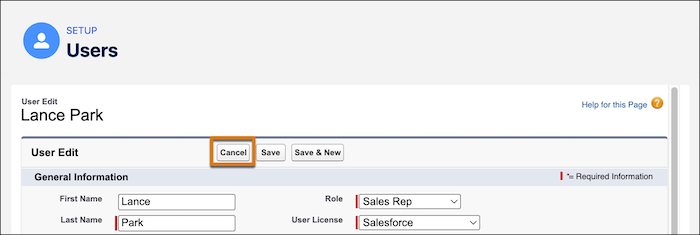
For a more consistent navigation experience, the Cancel button now appears first when you edit user records in Setup.
Where: This change applies to Lightning Experience and Salesforce Classic in Contact Manager, Group, Essentials, Professional, Enterprise, Performance, Unlimited, Developer, and Database.com editions.
How: From Setup, go to Users. Select a user record, and then click Edit.