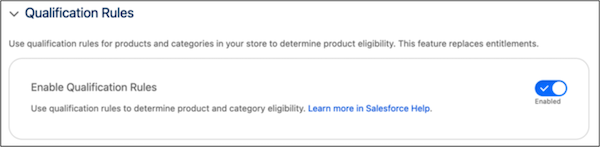
To evaluate product and product category eligibility, your B2B Commerce store applies entitlement policies that you’ve configured. However, if you have thousands of products, preconfiguring entitlement policies can get challenging. To make it easier to manage large numbers of products and product categories across your stores, create qualification rules that dynamically evaluate eligibility based on account or category attributes. You can also set up a disqualification rule to exclude products and product categories from a buyer’s view. If you enable qualification rules, your store uses qualification rules instead of entitlement policies.
Where: This change applies to B2B Commerce in Enterprise, Unlimited, and Developer editions. To use qualification rules, you must have a Revenue Cloud Advanced license and a Commerce Cloud Growth or Advanced license.
How: To switch to qualification rules, in the Store settings, under Buyer Access, turn on Qualification Rules.