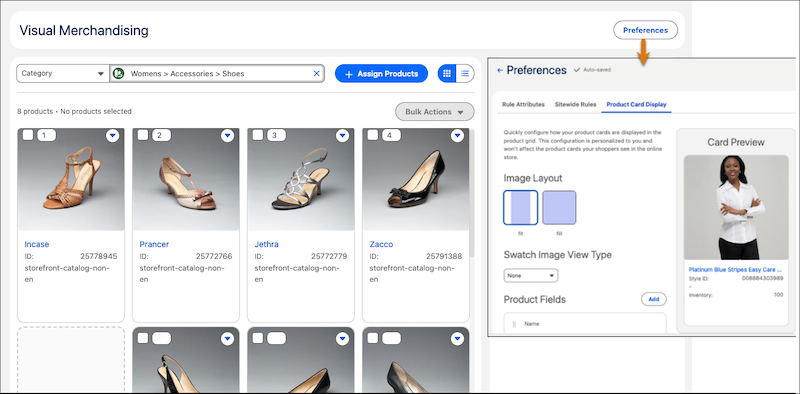
Use the Visual Merchandising workspace to show shoppers the most relevant products, items you want to promote, and seasonally-driven merchandise. The workspace is the central location to manage product positions, faceout colors, and category assignments across product pages and search results. You can also customize the information and images shown on product cards, and enable locale-specific settings for translated products.
Where: This change applies to B2C Commerce.
When: This feature is available May 5, 2026.
How: In Business Manager, click App Launcher, and then select . From the workspace, view and manage products in the default grid view or in a list view.