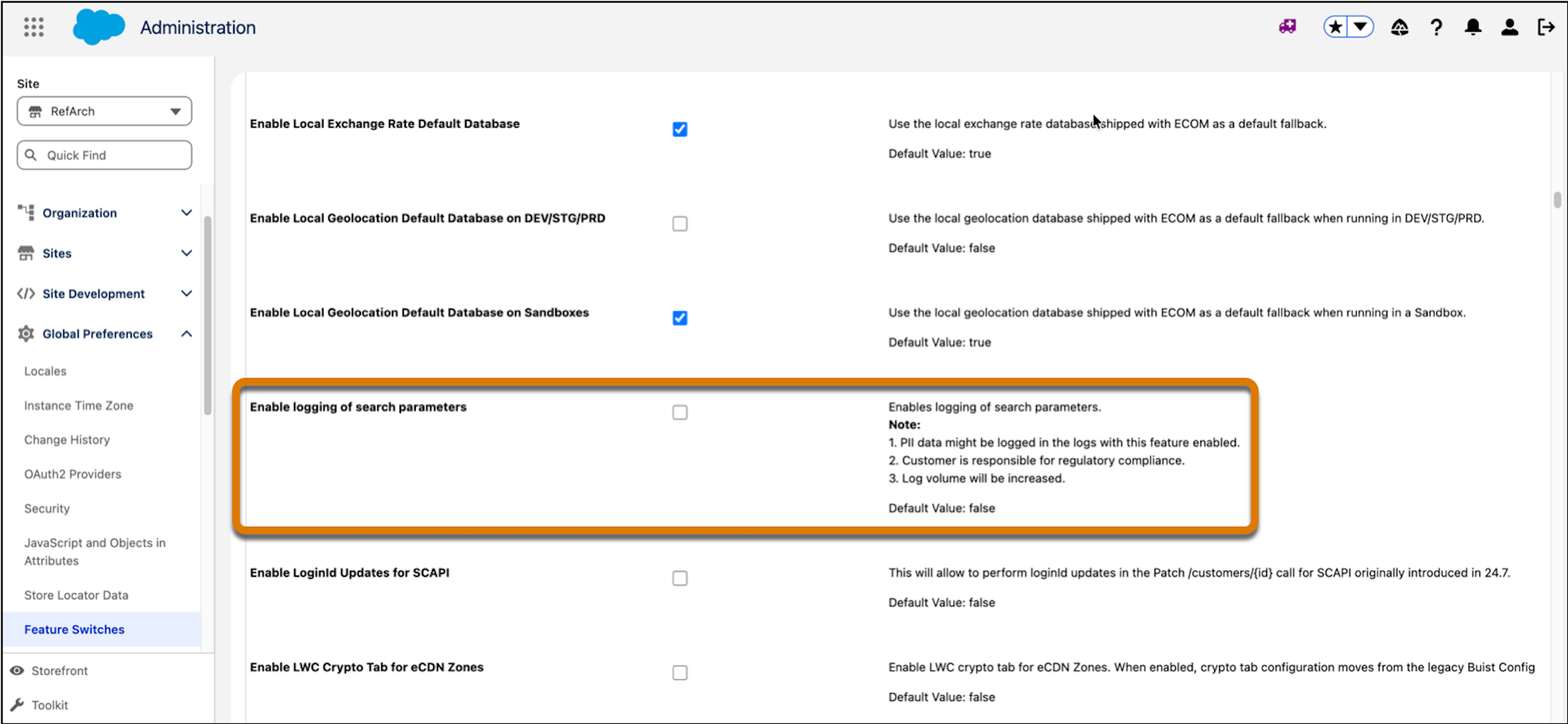
Capture information about user-initiated search queries from Business Manager or via APIs for customer and order data. The log lists the user name, search parameters, and timestamp.
Where: This change applies to B2C Commerce.
How: To activate search query logging, in Business Manager, click App Launcher, and then select . Turn on Enable logging of search parameters.