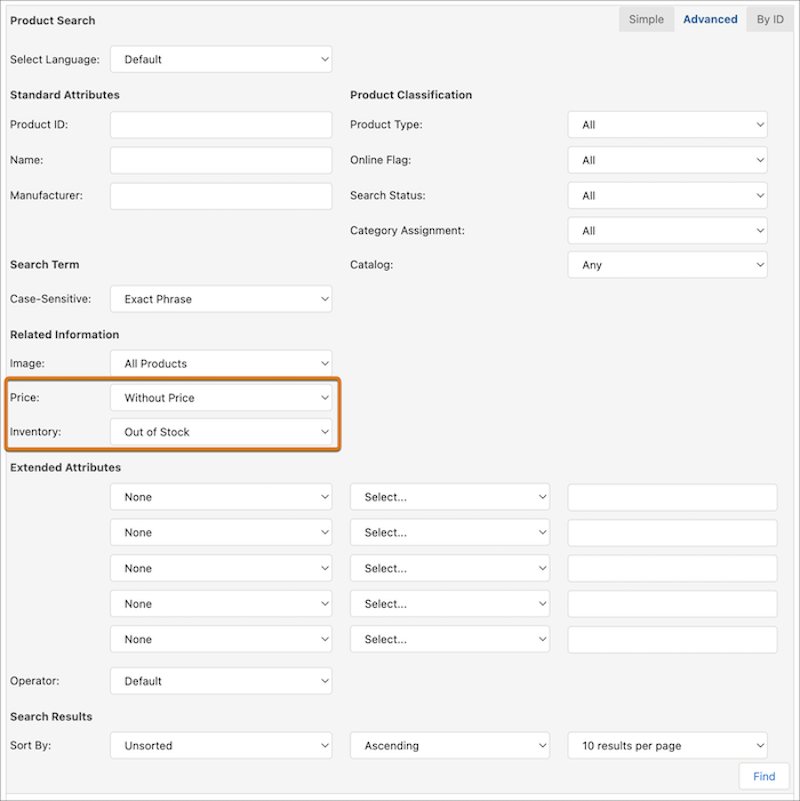
Find products in your catalog that are missing prices or out of stock by using the new Price and Inventory filters in Advanced Search. You can also search for products that have prices or are in stock.
Where: This change applies to B2C Commerce, and is available only in developer, sandbox, and staging instances.
This feature isn't available if:
- You have more than 2.4 million products in the catalog
- The number of products in the larger catalog when multiplied by the number of sites is greater than 10 million
If this feature is disabled in your instance because of these restrictions and you want to enable it, contact your account executive.
How: In Business Manager, click App Launcher, and then select . Click Advanced, and in the Related Information section, select values for the Price and Inventory fields.