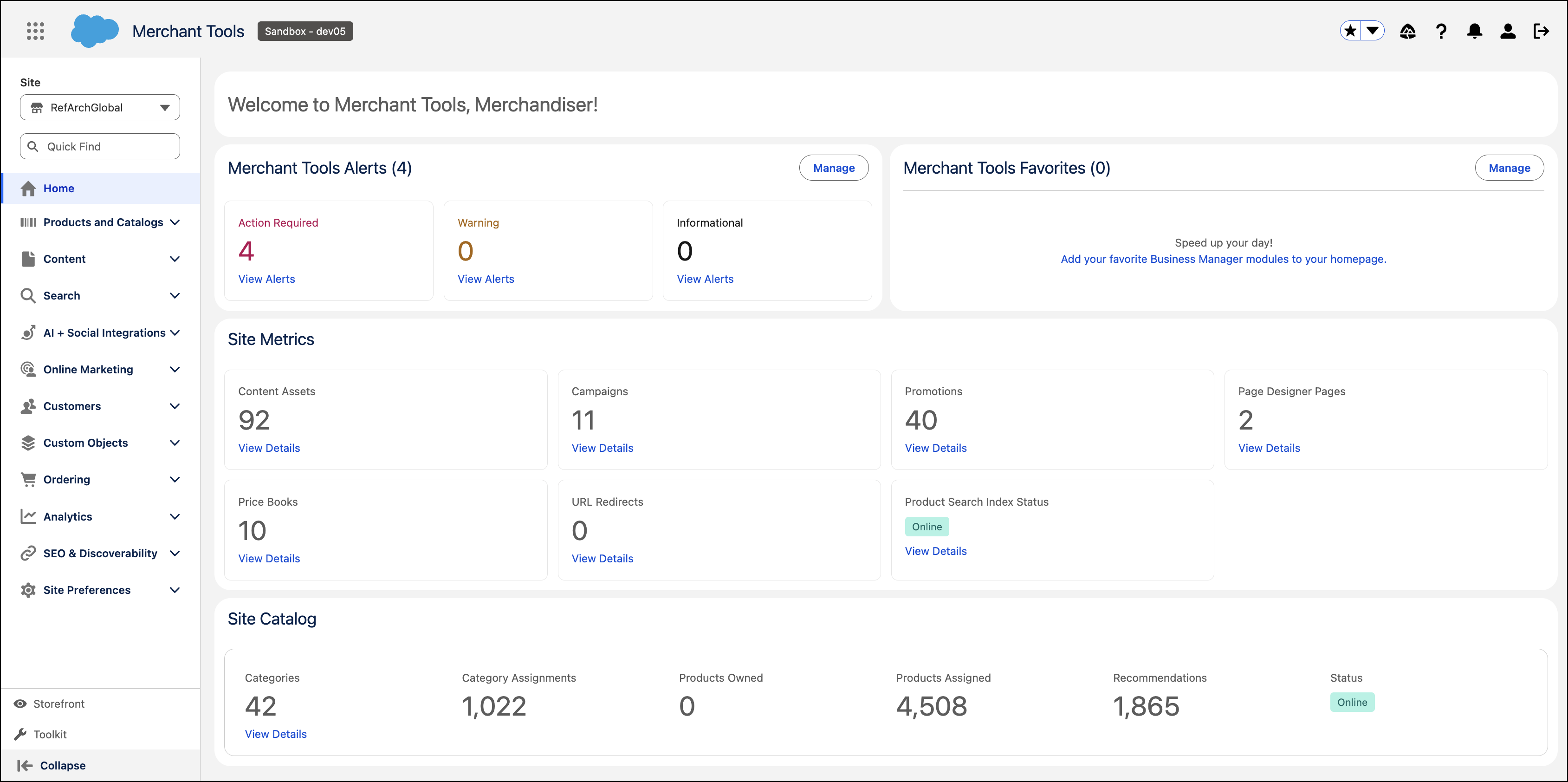
The new Salesforce Cosmos Design includes interactive circular elements, legible fonts and icons, inviting cues, and higher-contrast colors. Cosmos Design is enabled by default starting with B2C Commerce Version 26.5. You can also switch back to an earlier UI.
Where: This change applies to B2C Commerce.
How: To switch to an earlier UI style, in Business Manager, select .