Give your reps a single, unified, and intelligent timeline component for cases. This new component replaces the current fragmented collection of feeds and related lists with a single curated view of case-related events. Reps get instant context with a proactive workspace that intelligently organizes customer conversations, internal team collaboration, and key case milestones. The new timeline brings together channels like emails, chats, and messages into a clean, threaded view.
Where: This change applies to Lightning Experience in Enterprise, Performance, Unlimited, and Developer editions where Industries Service Excellence is enabled.
Why: Reps spend too much time navigating disparate systems and sifting through data to find critical information, which causes information fatigue and slower resolution times. Without immediate insight into case progress or historical data, it’s hard for reps to prioritize effectively and identify root causes. The new timeline gives a scannable, easy-to-understand view of all activity. It visually distinguishes owner changes, SLA breaches, and escalations as clearly marked milestones. Pre-configured Timeline Templates are available immediately for use in the Timeline feature, requiring no configuration.
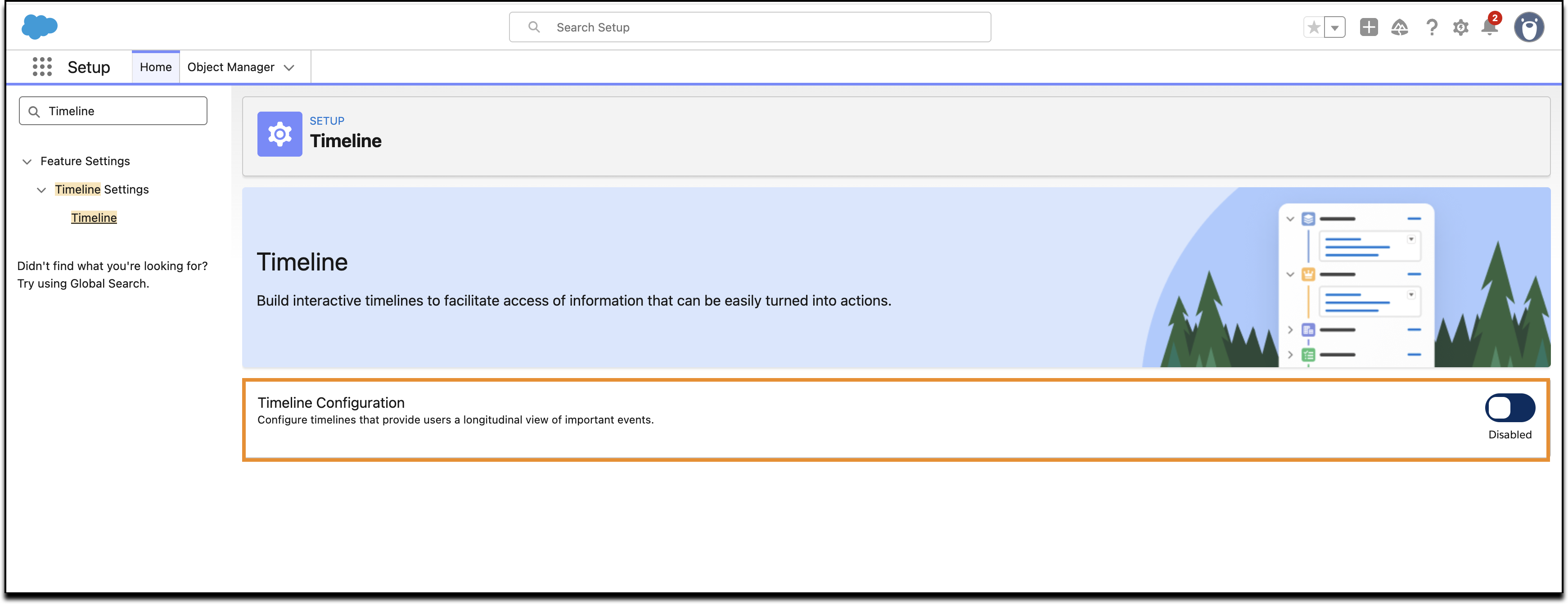
How: In Setup, in the Quick Find Box, find and select Timeline. In the Timeline window, turn on the Timeline Configuration.