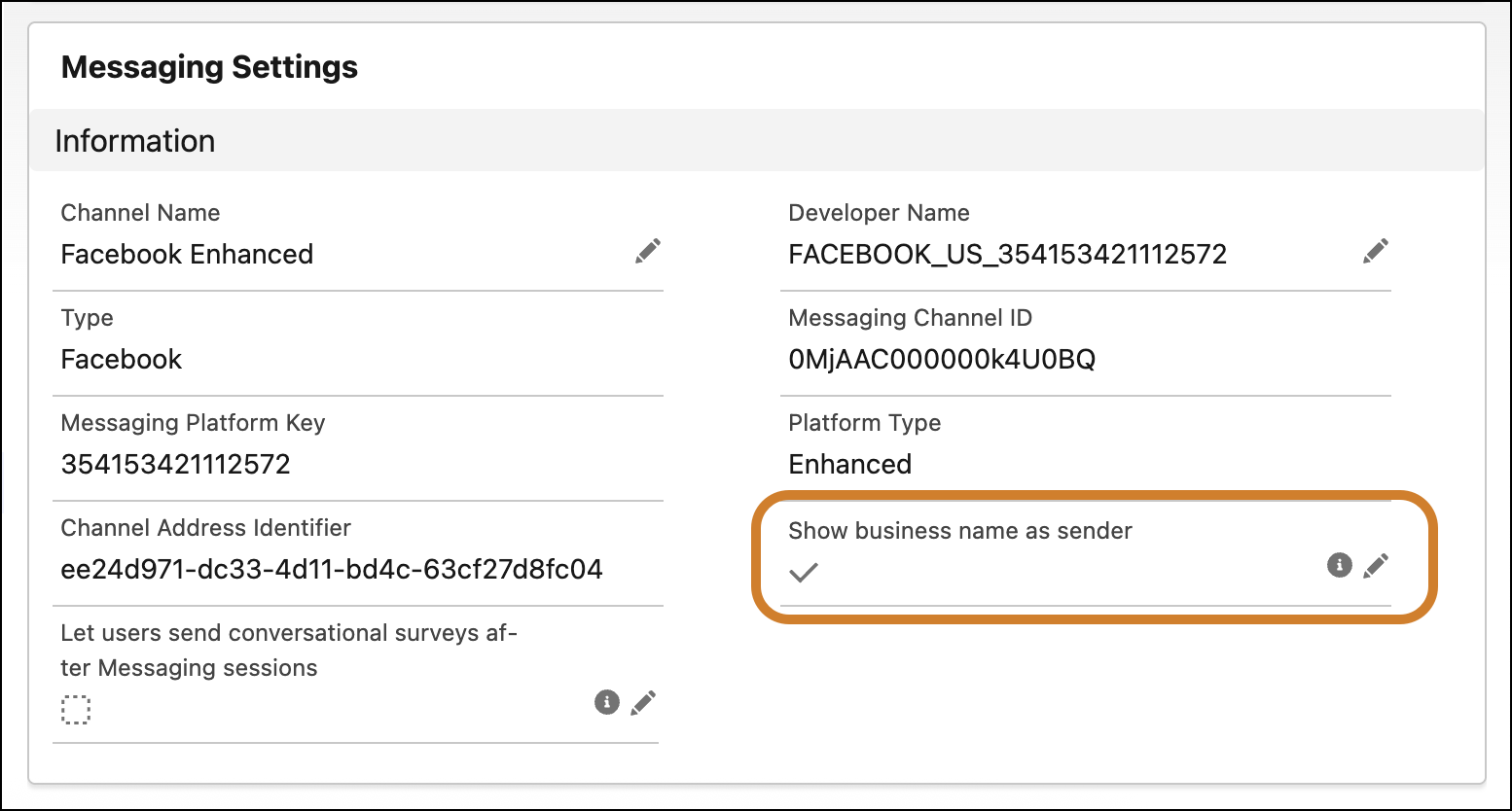
Replace your Service reps’ first and last name with your Company Name in the disclaimer that’s sent to a Message End User the very first time that you send them a Business-Initiated Outbound message. Use this in conjunction with Aliases to ensure that reps’ private information is protected.
Where: This applies to Enhanced Messaging. View required editions.
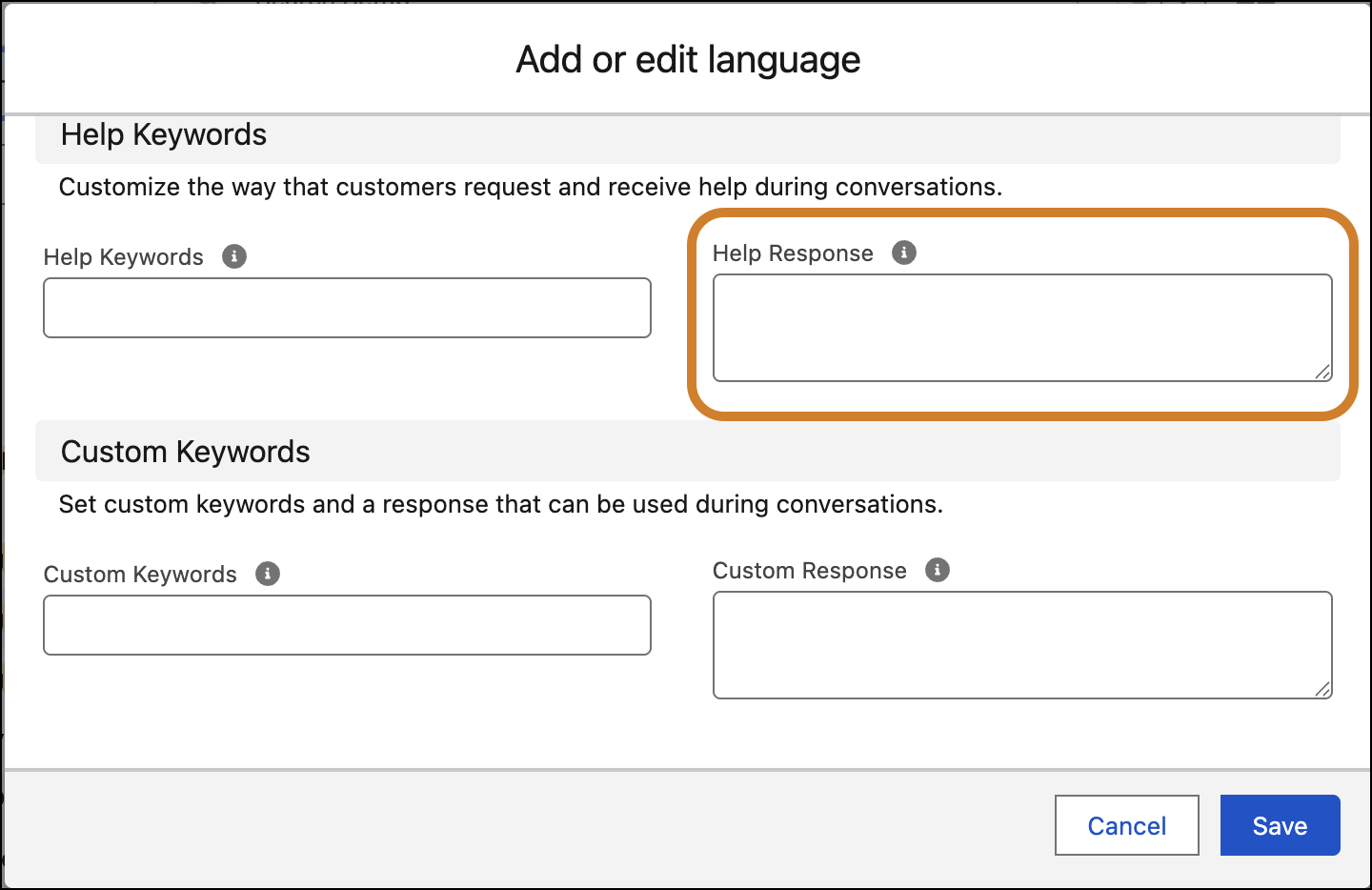
How: In Messaging Settings, click the name of your channel. Edit and select Show business name as sender. Then click Add Language under Messaging Consent Settings. Edit your Help Response and save your changes.