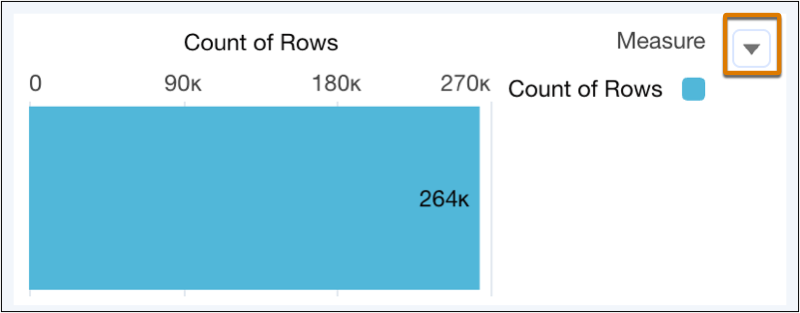
Keep important widget actions, such as downloading and sharing, always in sight for chart, number, text, repeater, list, toggle, date, range, and table widgets. Quickly access widget actions without needing to hover over the widget.
Where: This change applies to CRM Analytics in Lightning Experience and Salesforce Classic. CRM Analytics is available in Developer Edition and for an extra cost in Enterprise, Performance, and Unlimited editions.
How: With your dashboard in edit mode, select the widget to update. Click the Widget tab and locate the Action Menu in the General section. Click Show constant widget actions to display the widget's action menu.