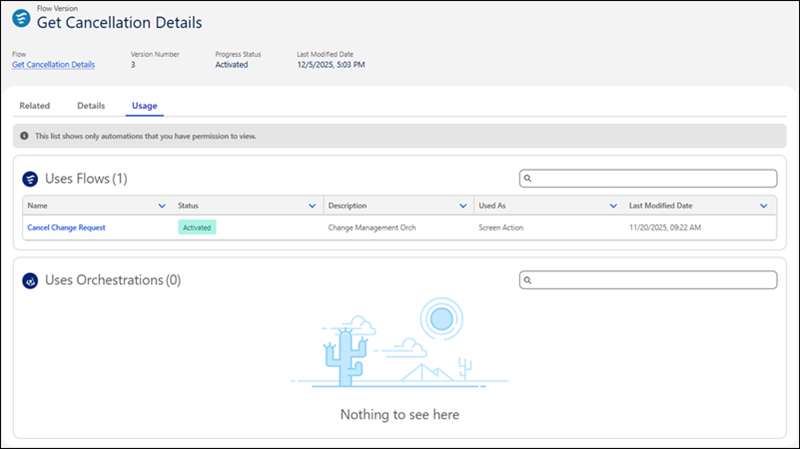
Understand flow dependencies with the new Usage subtab in the Automation Lightning app. The subtab shows bidirectional relationships, including which automations a flow version uses and which automation versions depend on that flow. This visibility helps you assess the impact of changes before modifying or deactivating flows.
Where: This change applies to Lightning Experience in Enterprise, Performance, Unlimited, and Developer editions.
Who: To view the automations that a flow version uses or the automation versions that use a flow, you must have the Manage Flow user permission.
Why: We delivered this feature due to your idea on IdeaExchange.
How: In the Automation Lightning app, select the Flows tab. On the Usage subtab for a selected flow, view the automation versions that use the flow and how they reference it.
On the Usage subtab for a selected flow version, view the automations that the version uses and how it references them.