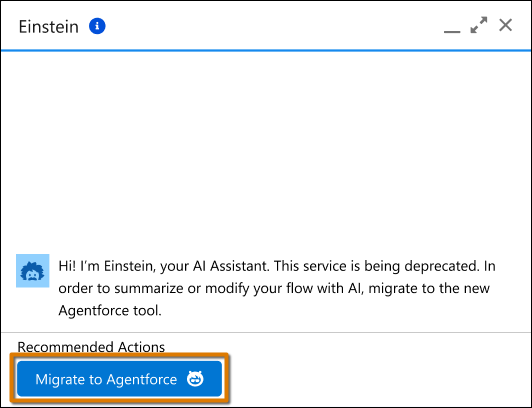
Users can now quickly transition to the Agentforce panel and access new features such as creating, summarizing, or evolving a flow. This feature doesn’t consume generative AI credits.
Where: This change applies to Lightning Experience in Essentials, Pro Suite, Professional, Enterprise, Performance, Unlimited, and Developer editions with Foundations or Agentforce 1.
Who: To access the Agentforce panel, Agentforce must be enabled for your org and you
must have the AgentforceEmployeeAgent or AIEmployeeAgents
org permissions. To enable these permissions, contact Salesforce Customer Support or your
account executive. Verify feature availability with your account executive.
How: In the Einstein panel, click Migrate to Agentforce when modifying a flow. Or, when creating a new flow, select Draft with AI and Agentforce activates automatically if all requirements are met.