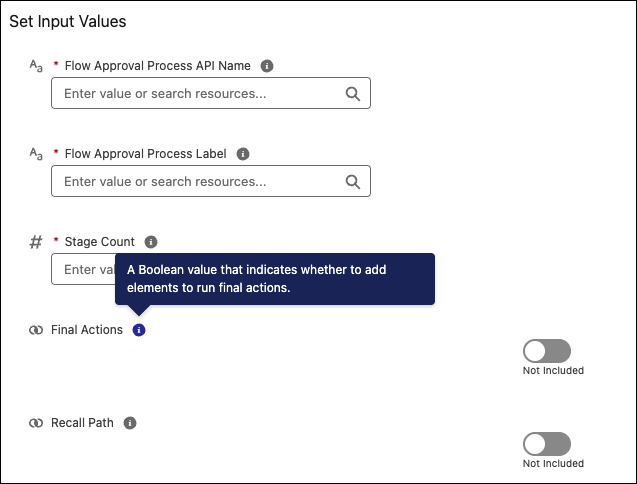
Save time configuring flow actions. You can now hover over the infobubble next to an action input variable to view its description without including it. Upfront informational text helps you quickly understand why to use an input before deciding to assign it a value.
Where: This change applies to Lightning Experience, Salesforce Classic in Essentials, Professional, Enterprise, Performance, Unlimited, and Developer editions.
How: In Flow Builder, add an action element. Locate an input parameter and hover over or click the infobubble next to it to view the description.