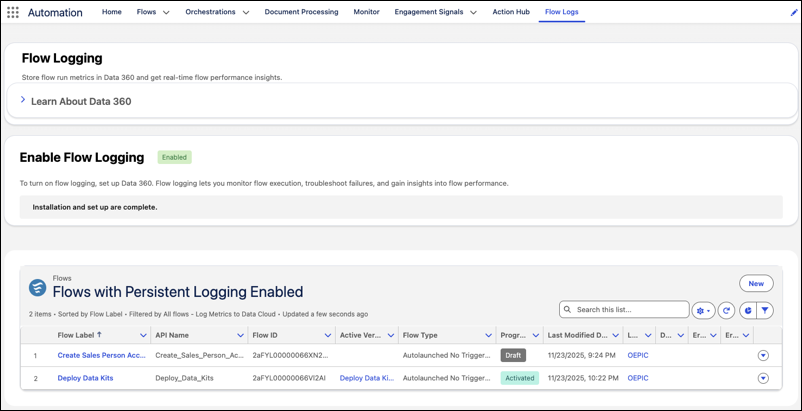
Gain visibility into flow performance with the new Flow Logs tab in the Automation Lightning app. Data 360 stores flow run metrics and provides real-time flow performance insights. Use the Flow Logs tab to set up Data 360, configure flow logging, and track performance for enabled flows.
Where: This change applies to Lightning Experience in Essentials, Professional, Enterprise, Performance, Unlimited, and Developer editions.
How: In the Automation Lightning app, select the Flow Logs tab. From this tab, set up Data 360 in your org, enable flow logging, and view all the flows that are currently logging data.