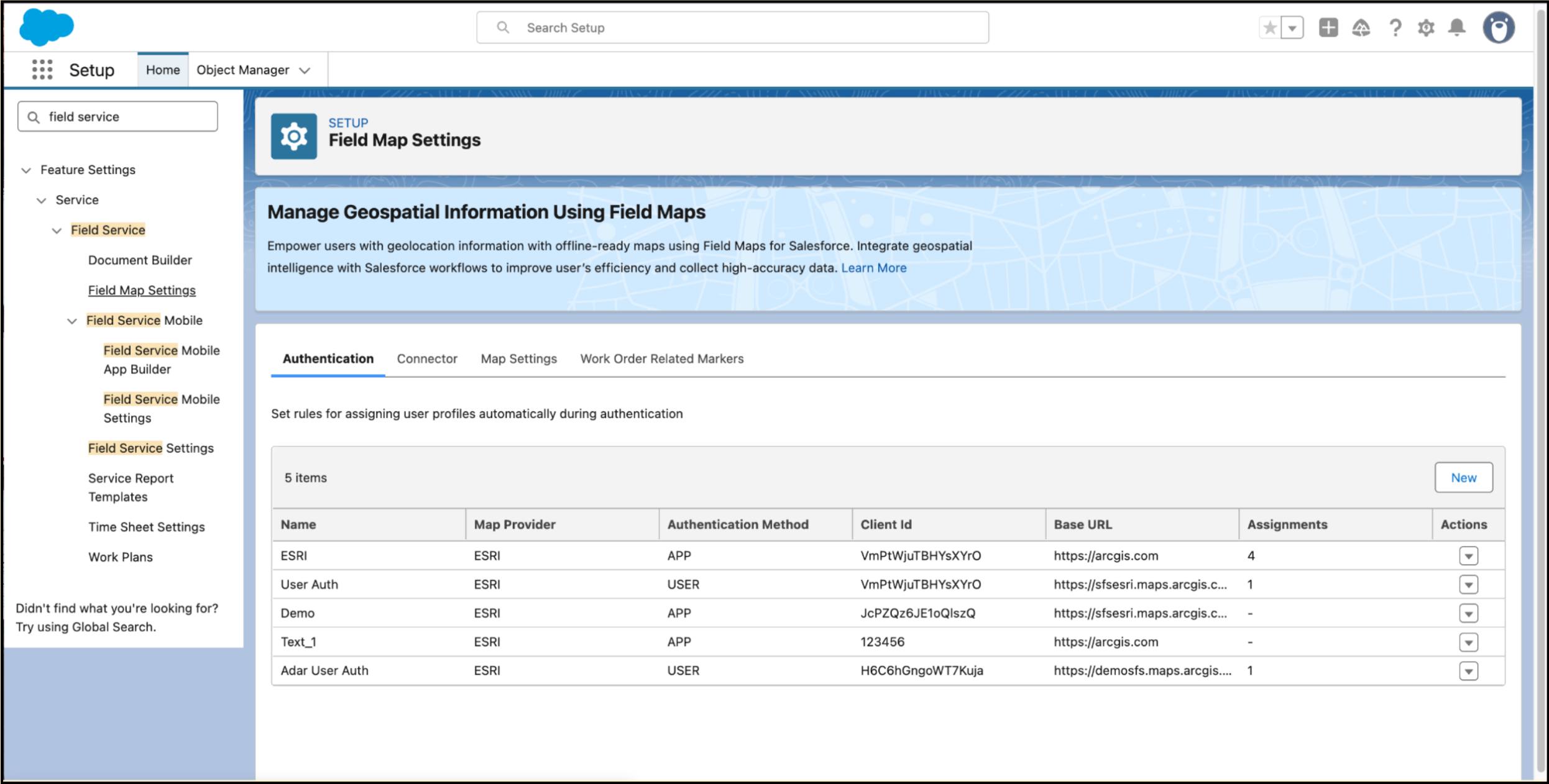
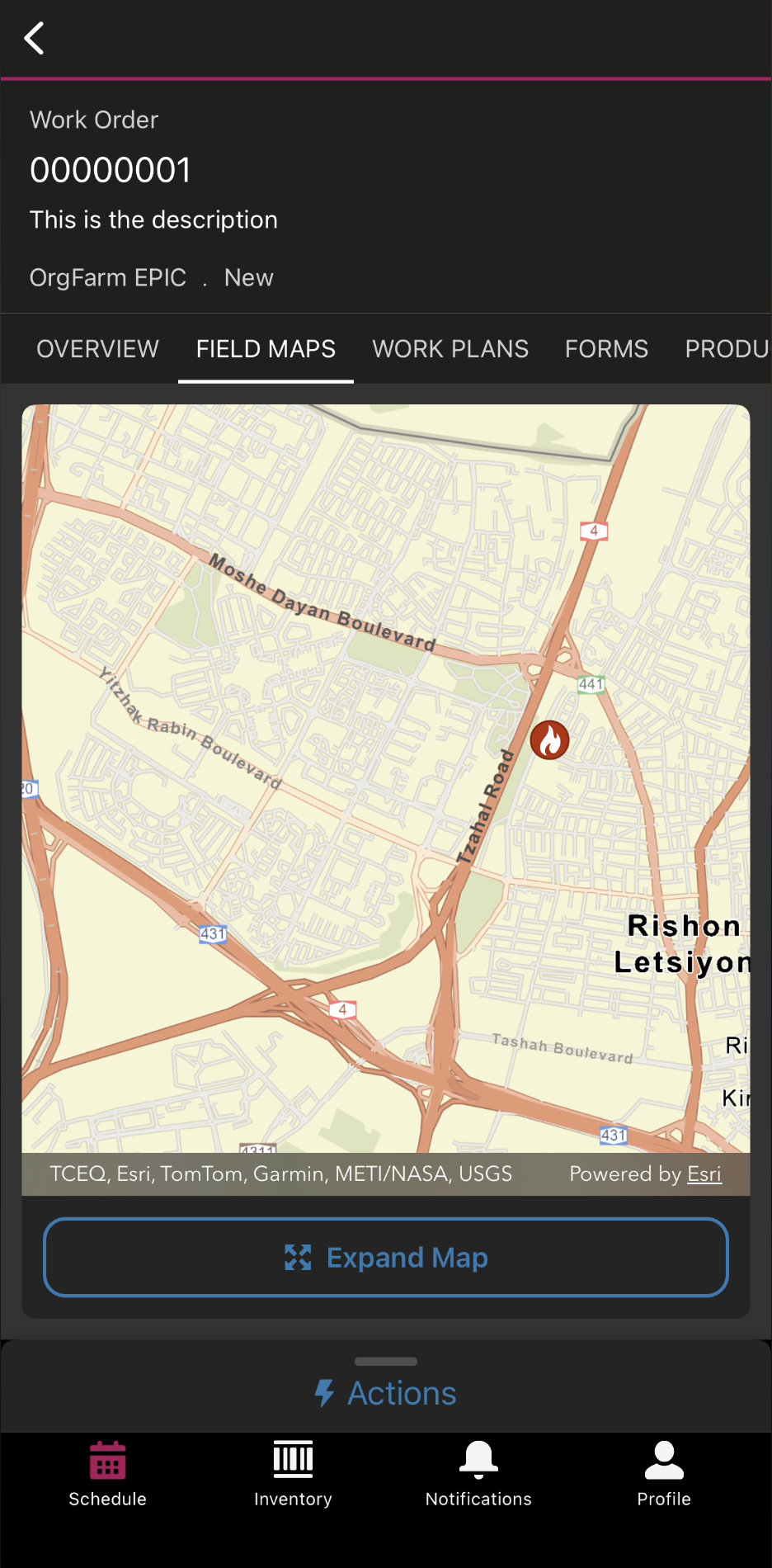
Eliminate app switching and accelerate time to value by delivering advanced geospatial context directly within the Field Service mobile app. Help mobile workers access geospatial information focused on their work location with the new Geospatial Information System (GIS). With it, they can view, interact with, and update complex map data—including assets, lines, and polygons—even when offline. Configure authentication and GIS map assignments with GIS’ extensive customization capabilities to deliver an intuitive user experience. Simplify deployment and enhance data integrity with a robust connector that seamlessly pushes Salesforce data to ArcGIS feature layers.
Where: This feature is available in Lightning Experience in Performance and Unlimited editions, and in the Field Service mobile app for Android and iOS.
How: From Setup, in the Quick Find box, search for and select Field Map Settings.