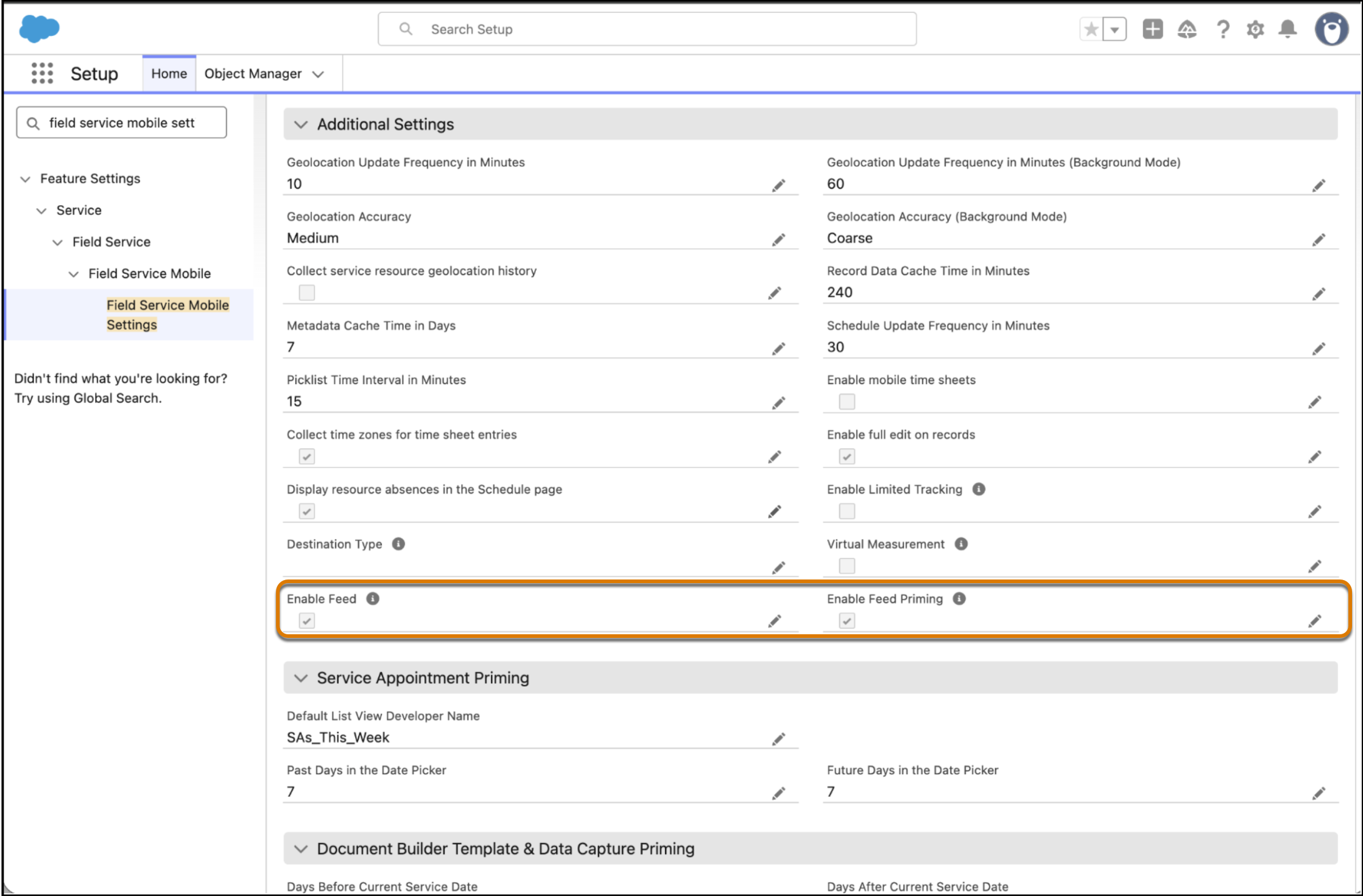
Accelerate work load times and eliminate unnecessary background data usage for improved performance by disabling Feed and Feed Priming, if mobile workers don’t need access to Chatter while they're offline. You can now reduce complexity by removing the Feed entirely from the mobile app interface. Previously, the Feed tab on the mobile app was visible by default and you couldn’t hide it.
Where: This change applies to Lightning Experience in Unlimited, and Developer editions, and in the Field Service mobile app for Android and iOS.
How: In Setup, search for and select Field Service Mobile Settings and under Additional Settings, select Feed and Feed Priming.