Customize Experience Cloud site with ARC components.
Required Editions
| View supported product editions. |
| User Permissions Needed | |
|---|---|
| To customize an Experience Cloud site: |
AND Be a member of the site AND Create and Set Up Experiences user permission |
- From Setup, in the Quick Find box, enter Digital Experiences, and then select All Sites.
- Click Builder next to the Experience Cloud site that you want to customize.
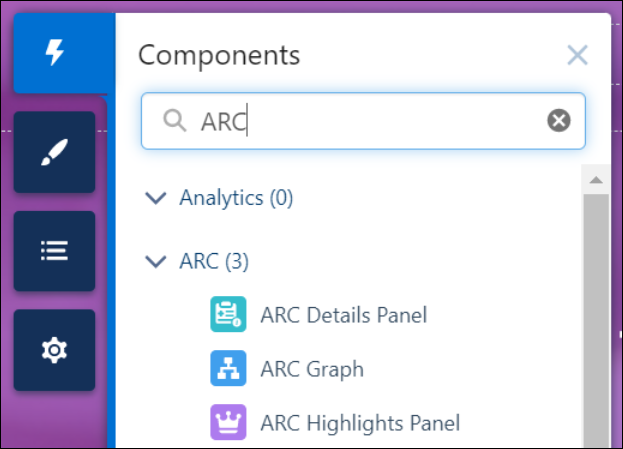
- Click Components, and enter ARC.
-
Drag the ARC components onto the canvas.