
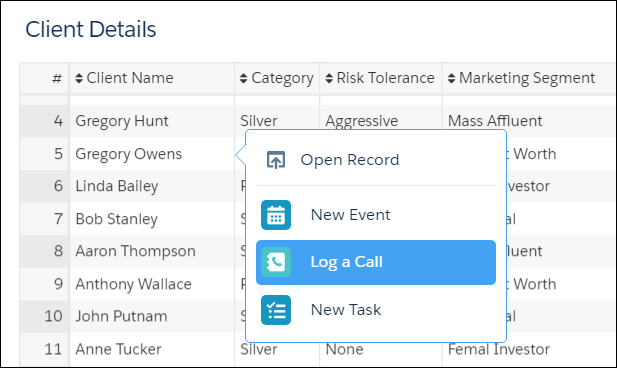
Quick actions let users take advantage of Salesforce actions from client details in Client Segmentation App.
Required Editions
| Available in: Lightning Experience |
| Available in: Professional, Enterprise, and Unlimited Editions |
 This is a Financial Services Cloud managed package feature.
- From Setup, open Object Manager and click Account.
- Open Page Layouts and click Account (Individual) Layout.
-
Verify that you are updating the managed Account Contact Relationship layout.
 Note The managed Account Contact Relationship layout displays a message that the layout is managed.
- In the palette, select Quick Actions, and then drag each quick action to the Quick Actions in the Salesforce Classic Publisher section and the Salesforce Mobile and Lightning Experience Actions section.
- Save your changes.