You can view quote details in a number of ways.
- Log in to your Large Account Sales Management application org. The Home page is displayed.
- Select the Opportunities tab.
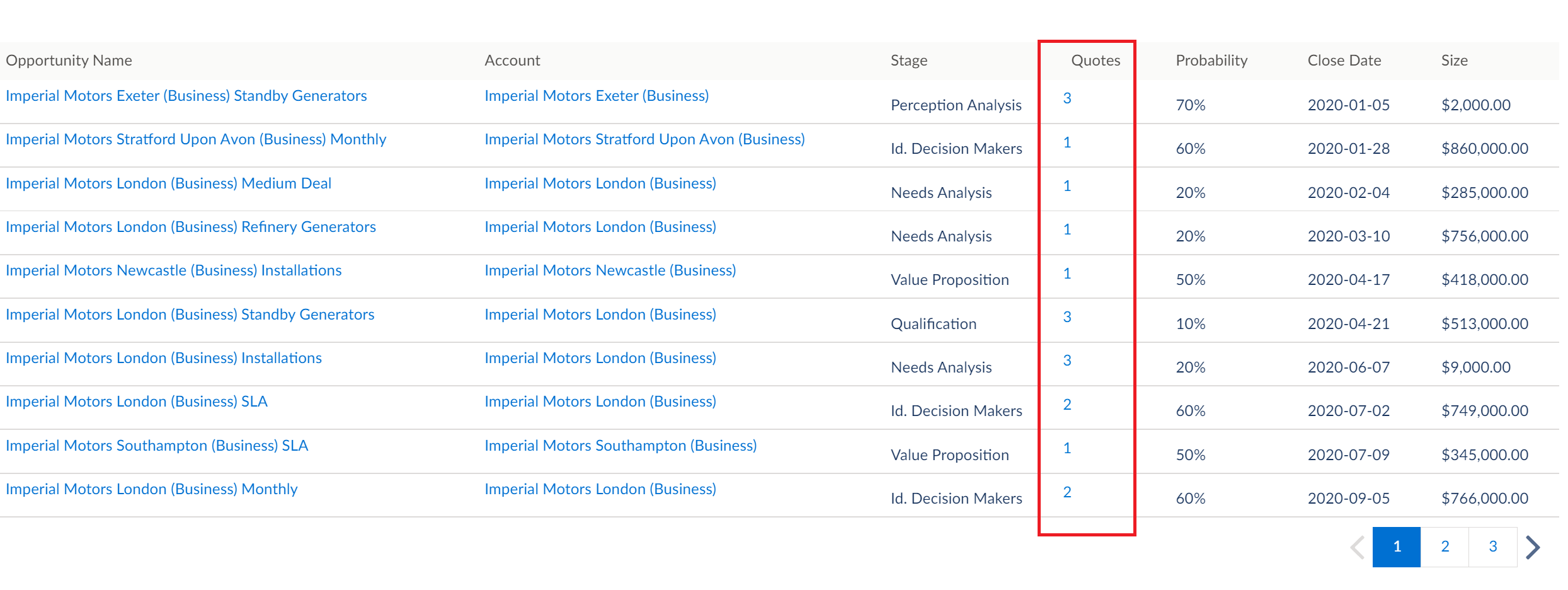
- For a specific opportunity, click the number in the Quotes column
- From the pop-up window, click the quote name that you want to view.
- Alternatively, select Quotes from the drop-down next to the Home page.
- Click the quote name that you want to open.
- You can also open opportunities from the Accounts page. Select Accounts from the drop-down next to the Home page
- Click the required account name for which you want to see open quotes.
-
In the Accounts page, select the Opportunities
tab. Click the quote name that you want to open.
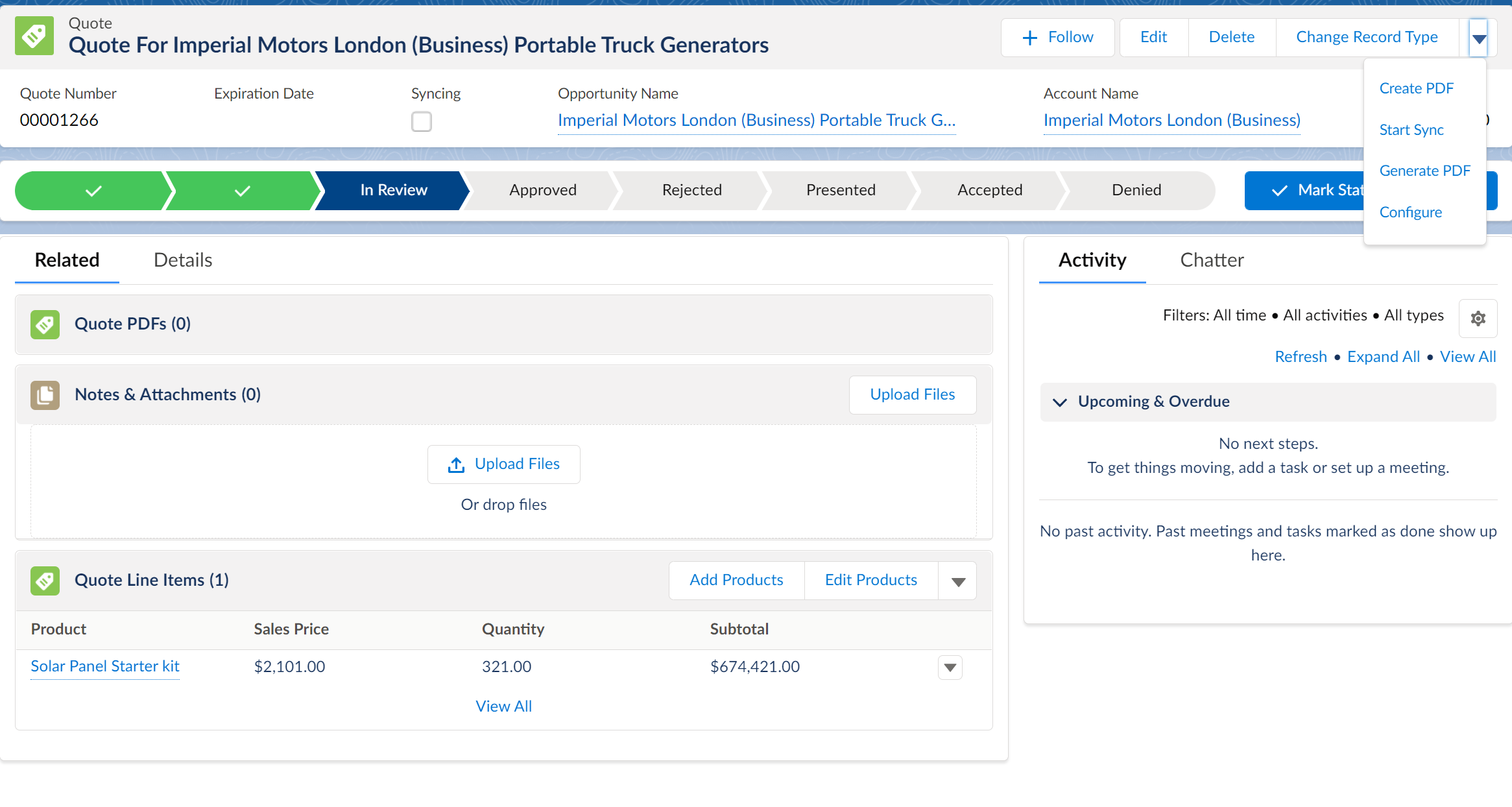
The Quote Details page is displayed.