
Troubleshoot issues that can occur when you deploy Utilities Self Serve Portal datapacks to your org.
Error deploying decisionMatrixDefinition and expressionSetDefinition metadata
Visual Studio Code displays an error that reads:
salesforce_sfdx/main/default/decisionMatrixDefinition/Utilities_Application_Approval_DM.decisionMatrixDefinition-meta.xml  Matrix cannot be updated/deleted when the associated decision matrix version is enabled.
salesforce_sfdx/main/default/expressionSetDefinition/Utilities_Application_Approval_Rule.expressionSetDefinition-meta.xml  This Expression Set Version already exists in Active state, Please create a new version and try again.
The error may be caused if the decisionMatrixDefinition (Utilities_Application_Approval_DM) and expressionSetDefinition(Utilities_Application_Approval_Rule) metadata present in zip are already available in the org.
To solve this problem, ignore decisionMatrixDefinition and expressionSetDefinition components in the list, then select the rest of the components and deploy them.
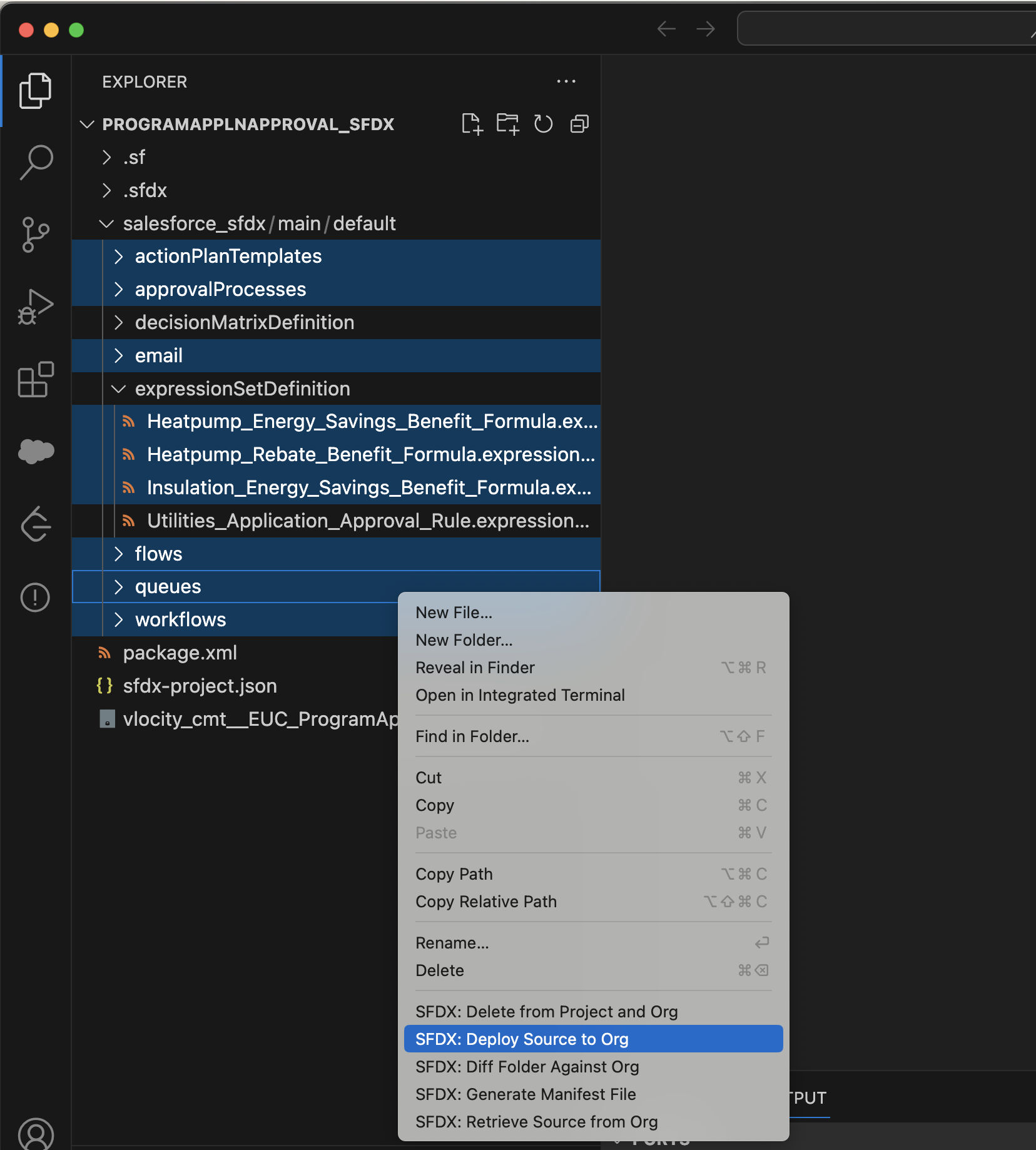
Error deploying EUC_SSP_OSRT_Sfdx_Datapacks metadata
The static resource permission set fails while deploying with an error -
The permission set license doesn't allow Apex Class Access
To solve this issue, perform the following:
-
Download and unzip EUC_SSP_OSRT_Sfdx_Datapacks.
For instructions, see Download Datapacks for Utility Self Serve Portal.
-
Go to salesforce_sfdx/main/default/permissionsets/
-
Open the OmniStudio_User_Read.permissionset-meta.xml file and remove the following
code.
<classAccesses> <apexClass>vlocity_cmt__DefaultOmniScriptEditBlock</apexClass> <enabled>true</enabled> </classAccesses> <classAccesses> <apexClass>vlocity_cmt__DefaultUserCustomLabelsImplementation</apexClass> <enabled>true</enabled> </classAccesses> - Save your changes.
-
Open the EnergySelfServiceCCUser.permissionset-meta.xml file and add the following
code.
<classAccesses> <apexClass>vlocity_cmt__DefaultOmniScriptEditBlock</apexClass> <enabled>true</enabled> </classAccesses> <classAccesses> <apexClass>vlocity_cmt__DefaultUserCustomLabelsImplementation</apexClass> <enabled>true</enabled> </classAccesses> - Save your changes.
-
Open the EnergySelfServiceGuestUser.permissionset-meta.xml file and add the following
code.
<classAccesses> <apexClass>vlocity_cmt__DefaultOmniScriptEditBlock</apexClass> <enabled>true</enabled> </classAccesses> - Save your changes.
-
Open the OmniStudio_User_Read.permissionset-meta.xml file and remove the following
code.
- Zip the parent folder and deploy.