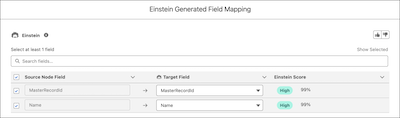
Use Einstein generative AI to simplify the tedious task of manually mapping fields when you configure a writeback node.
Required Editions
| View supported editions. |
To generate field mapping suggestions using Einstein, you must enable Einstein Generative AI
When you have a large number of fields to be mapped from the source node to the target object, you can use Einstein to generate up to 200 field mapping suggestions.
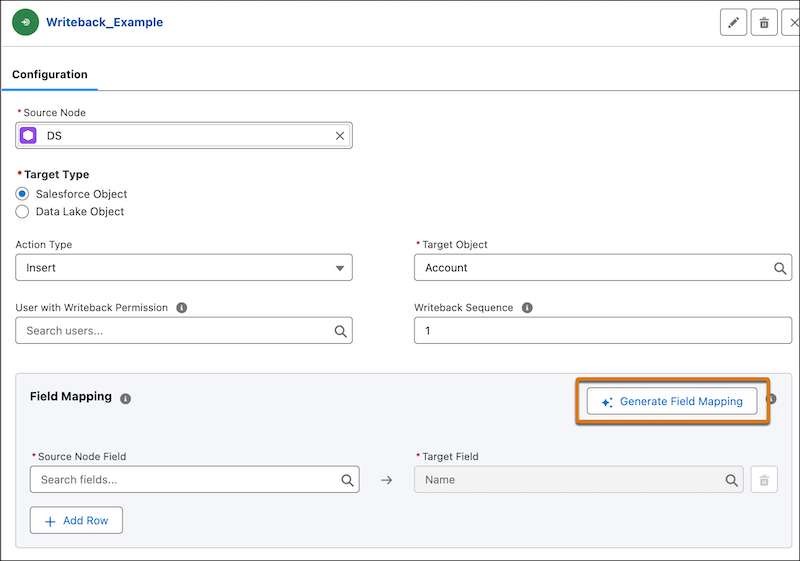
- In the Field Mapping section, click Generate Field Mapping.
- Review, accept, or reject the field mapping suggestions based on the Einstein score before you add them to the target object.
- Save the field mapping.