
Bulk processing of assets uses notifications to inform you about changes to the state of a bulk processing operation. For example, when you start a bulk processing operation, you receive a notification informing you that the job has started.
-
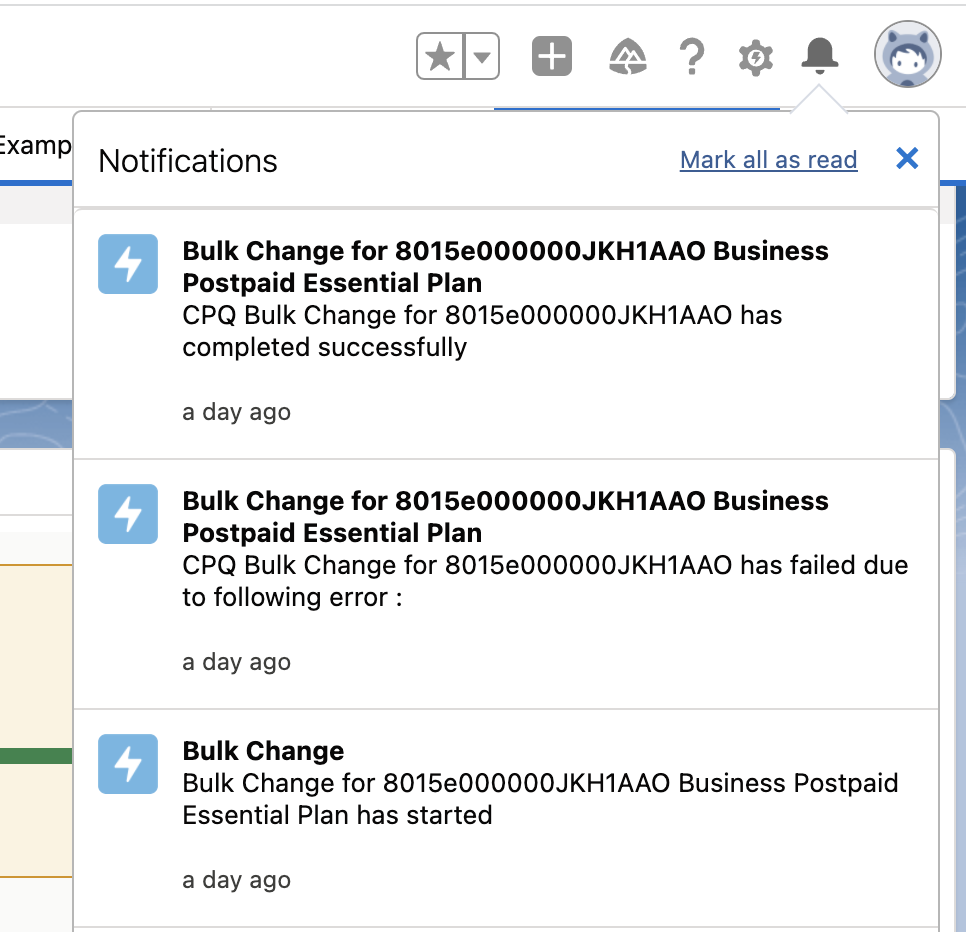
Click the Notifications icon.
In the Notifications dropdown, for each bulk update operation, a notification is displayed. Bulk processing sends a notification for each of the following states of the bulk processing operation:
-
The operation has started
-
The operation has completed successfully
-
The operation has failed due to an error
-
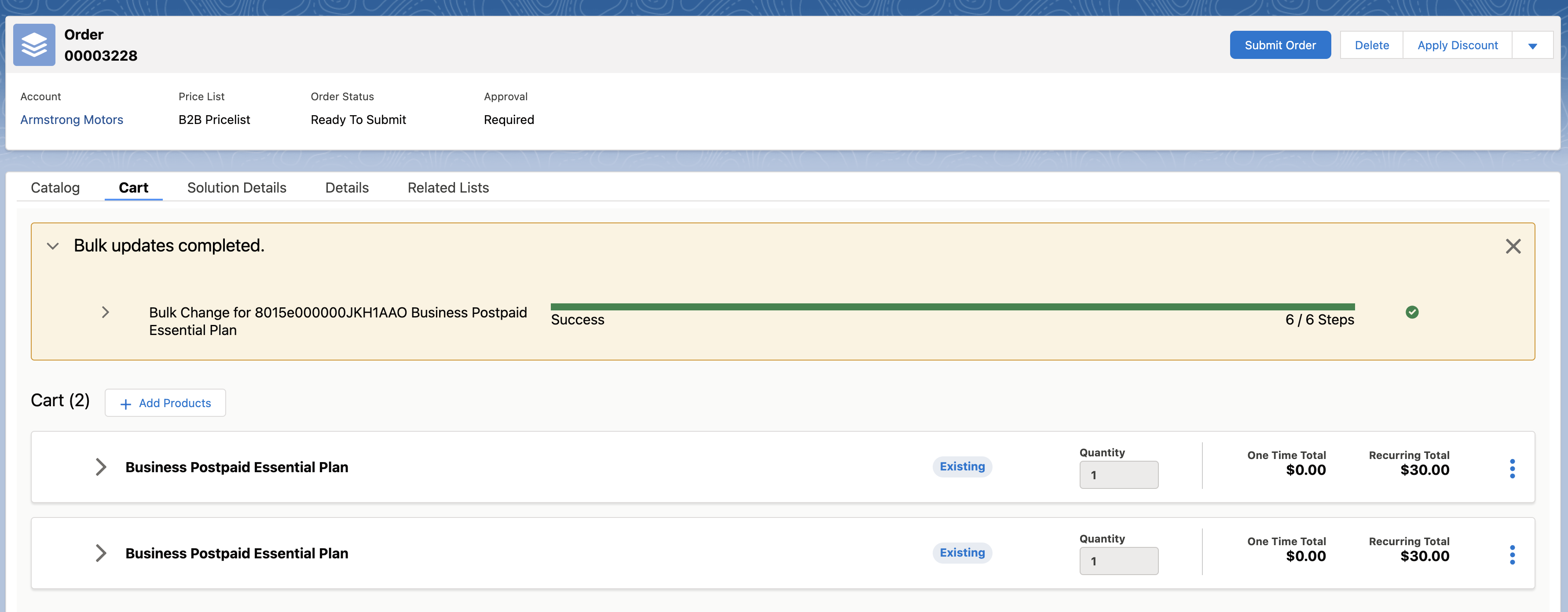
- Click the notification to display the order or quote page of the operation. This page also displays the status of the process.
If you want to debug a process or see the jobs that make up the process, see View Detailed Information About Bulk Processing Operations