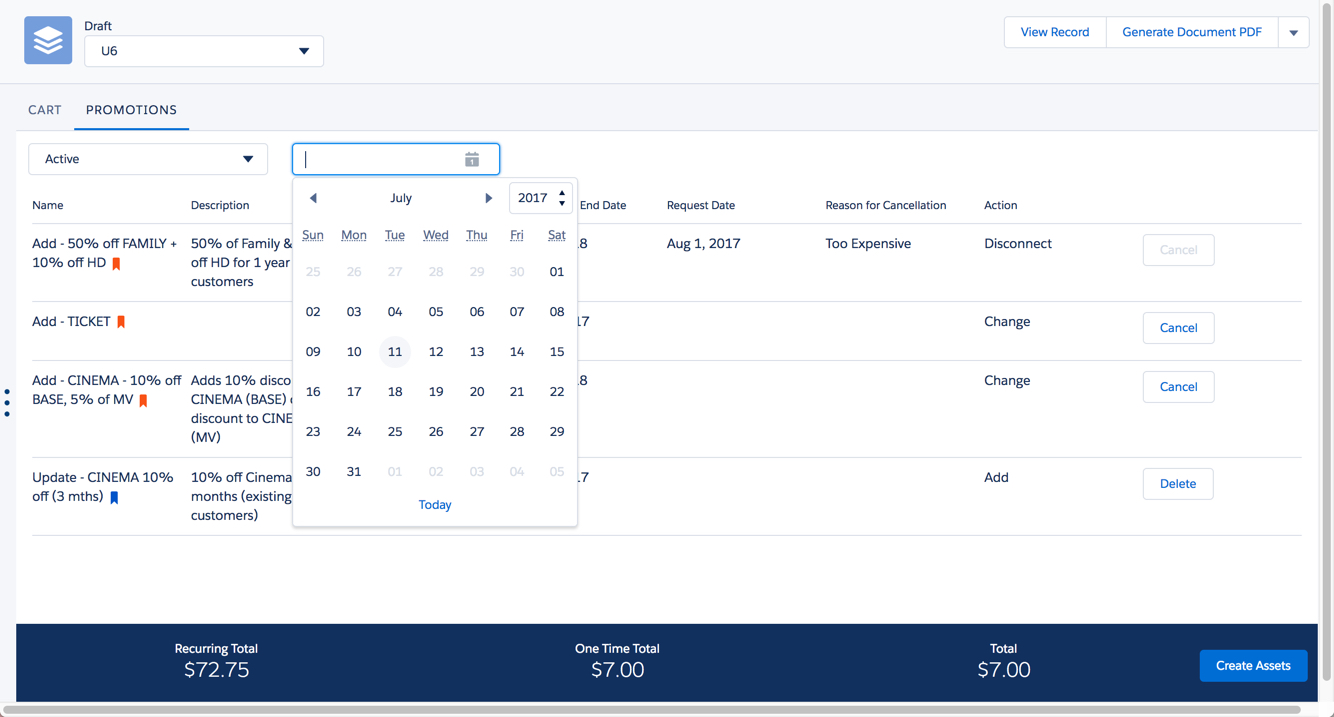
The Promotions tab lists the promotions in the cart. You can change the view to display only active, expired, or canceled promotions.
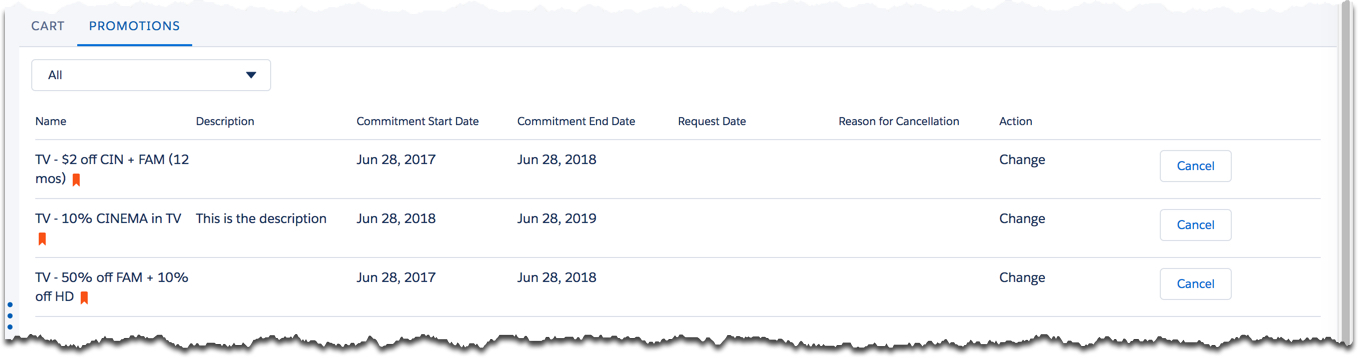
By default, all promotions are displayed. From the picklist in the left corner, you can select the following options:
-
All displays all promotions in the cart.
-
Active displays the currently active promotions in the cart. Use the date picker to see promotions that are active for specific dates.
-
Expired displays the expired promotions in the cart. Expired promotions have passed their effectivity dates.
-
Canceled displays the canceled promotions.