
To test attribute-based pricing, create an order and add a product to the cart that is listed in your calculation matrix. Set the attributes (or fields, if you have implemented range attribute-based pricing) as needed to trigger the attribute-based pricing.
After the change to the line item is saved, click the price details icon on the recurring charge or the one time total.

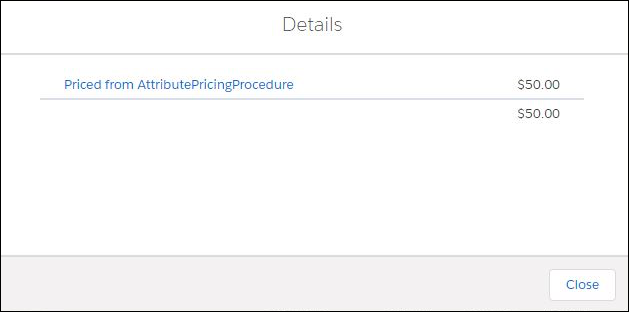
In the Details dialog box, the name of the calculation procedure that was used to price the line item is displayed.

Note If a line item is impacted by both an Attribute-Based Pricing (ABP) and a manual
adjustment or override, the system displays the ABP price with a strikethrough and show the
final, adjusted value preceding it. This visual indicates that manual adjustments take
precedence, as they are applied after the initial ABP is determined within the Pricing
Plan.