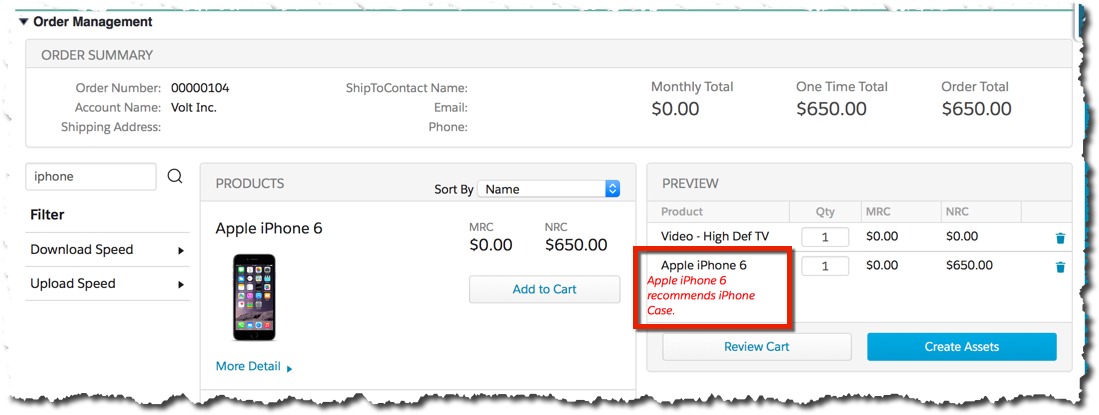
After you create a Product Relationship, you can test it by creating a new Opportunity, Order, or Quote and adding the Product to the cart.
To test a Product Relationship:
- Create a new Opportunity, Order, or Quote.
- Add the Product to the cart.
- Confirm that the message appears.
- Add the related Product to the cart.
- Confirm that the message no longer appears.