
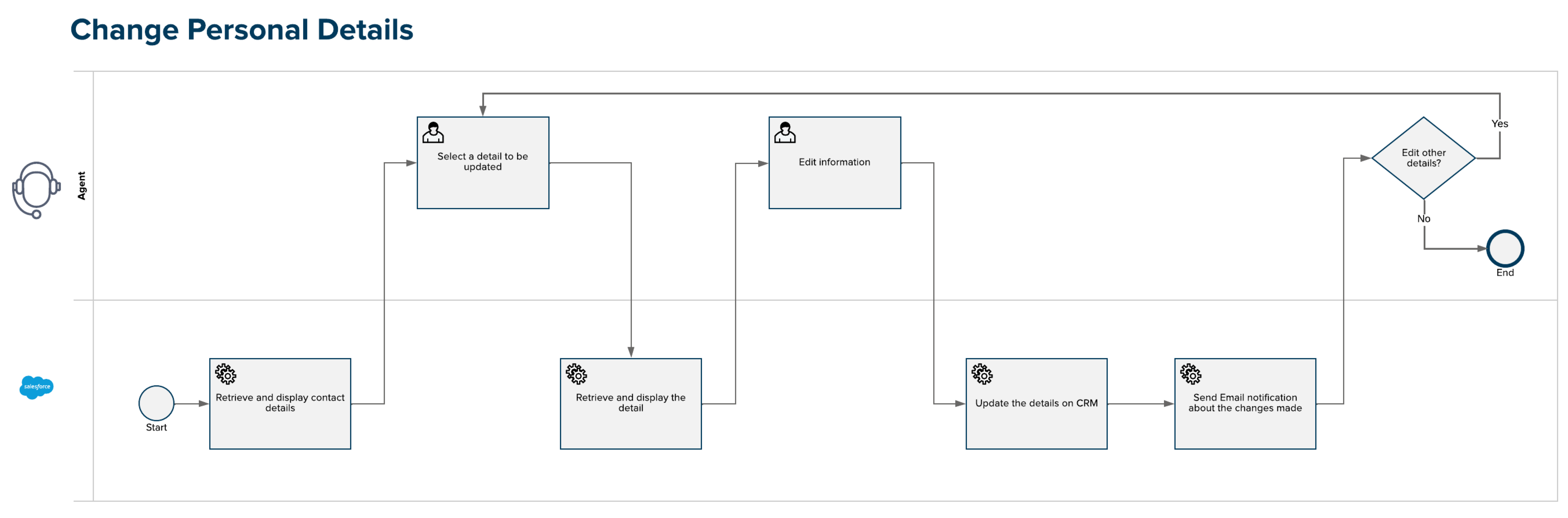
If a subscriber's information need to change, such as a change in address or an alternate phone number, or if some subscriber information is incorrect, agents can update the information at the subscriber's request.
 This feature is part of the Communications Cloud managed package.
After an agent saves the changes on behalf of a subscriber, a confirmation email is sent to the contact's email address.
- Use Interaction Launcher to verify a subscriber and start a customer interaction.
- In the subscriber details section, click Edit.
- Edit the relevant fields as requested and click Save.
- Click Done to exit the workflow.