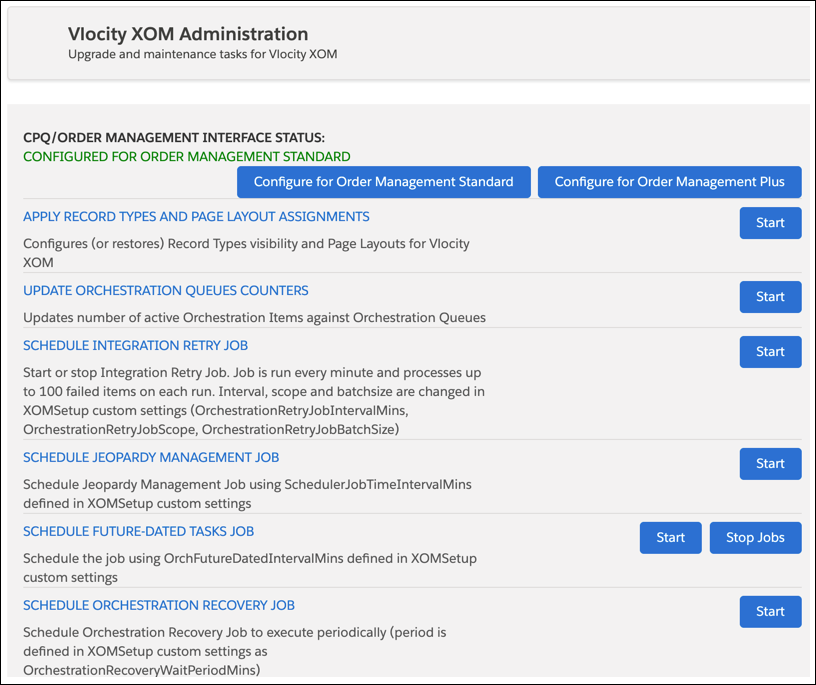
Before Order Management checks whether items or orders are in jeopardy, you must go to the XOM Admin Panel, and click the Start button next to SCHEDULE JEOPARDY MANAGEMENT JOB.
Before You Begin
-
If you haven't already done so, then enable the SchedulerEnabled custom setting. (If you're not sure whether you've enabled this setting, then start the job as described on this page. If there's no error, then the job is running.)
-
Optional: Set the SchedulerJobTimeIntervalMins custom setting to a setting of your choice. Doing so sets the time that passes before OM checks again for jeopardy.
Order Management checks the dates for orders and order items, so that it can let you know whether those things are in jeopardy of being late. But first, you have to start the job that does the checking.