You can extend the functionality of the XOMAsyncSystemInterface class to add more functionality, such as applying logic to determine if a response is good or bad.
For more details about extending the asynchronous system interface, see: Overview of Extending the Asynchronous System Interface
To use the extended interface in your orchestration plan, follow these steps:
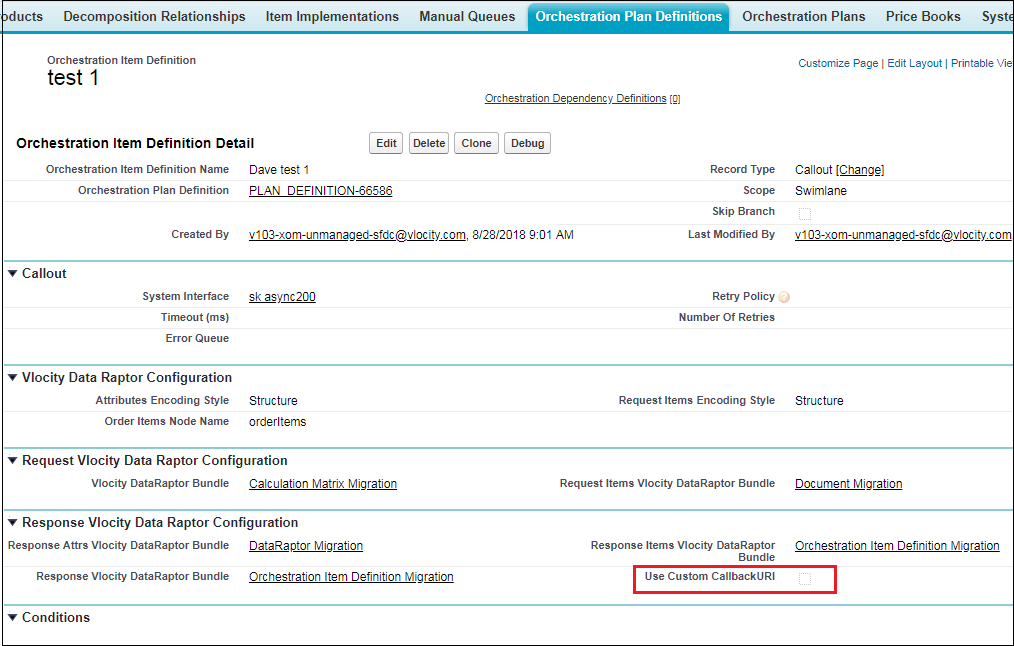
- Select an Orchestration Plan Definition with a Callout Orchestration Item type.
- In the orchestration item, click the Use Custom CallbackURI checkbox, then click Save.
- Click the + tab
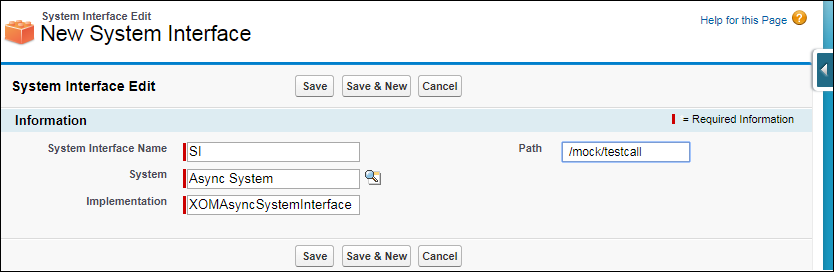
- Click System Interfaces.
- Select a system interface or create a new one, and specify the following:
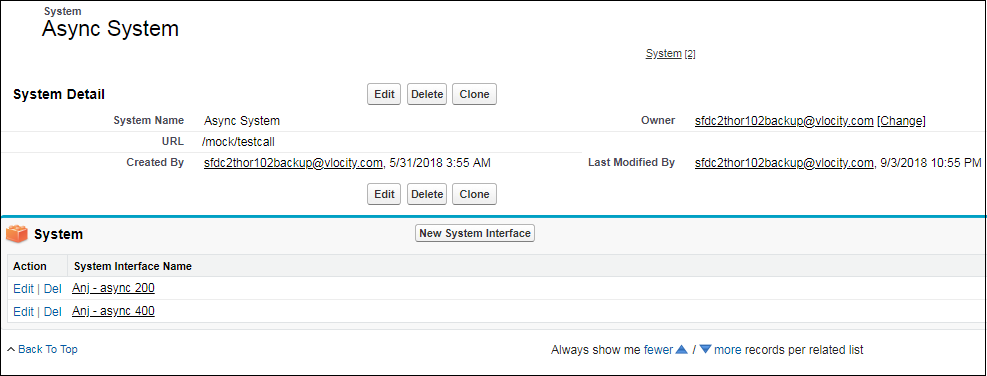
- Click the + tab, then click Systems.
- Select a system or create a new one, and enter the system URL into the URL field.