In the Salesforce Classic (Aloha) interface, you can use the CPQ button to open the Industries CPQ Cart. In Salesforce Lightning, you can use the Configure or configureWithNamespace button.
- On an Order record detail page, click the relevant button: CPQ, Configure, or ConfigureWithNamespace.
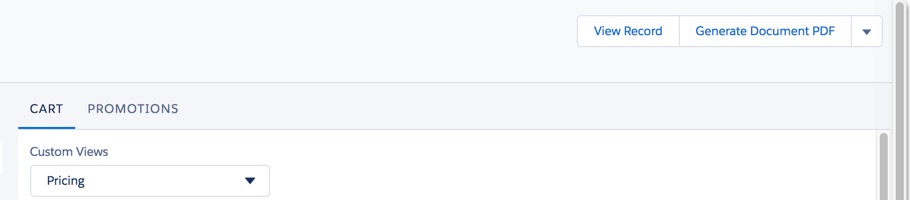
- To exit Industries Cart, click View Record, located in the upper right corner of the cart page.