Asset-based ordering uses Field Mapper to move data between opportunities, orders, quotes, and assets.
Field Mapper maps fields from one object to another to move it between objects. Salesforce provides a base set of field mappings as part of the Salesforce Industries Communications, Media, and Energy package. You must map any additional fields to and from the following objects, as required:
-
Opportunity to Quote
-
Quote to Order
-
Order Products to Asset
-
Asset to Quote Line Item
-
Asset to Order Product
-
Opportunity Product to Quote Line Item
-
Quote Line Item to Order Product
You can reset default field mappings by running the Field Maps Maintenance job.
To map fields for asset-based ordering:
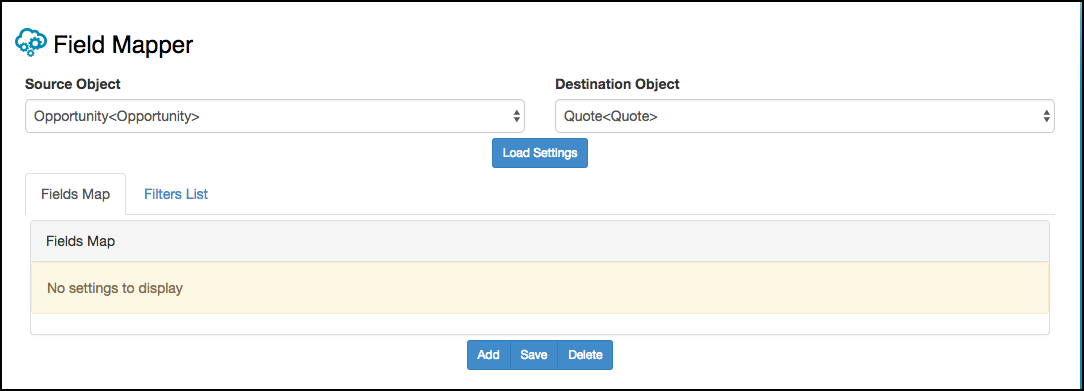
- Go to the Field Mapper tab.
- From the Source Object picklist, select Opportunity.
- From the Destination Object picklist, select Quote.
-
Click Load Settings.
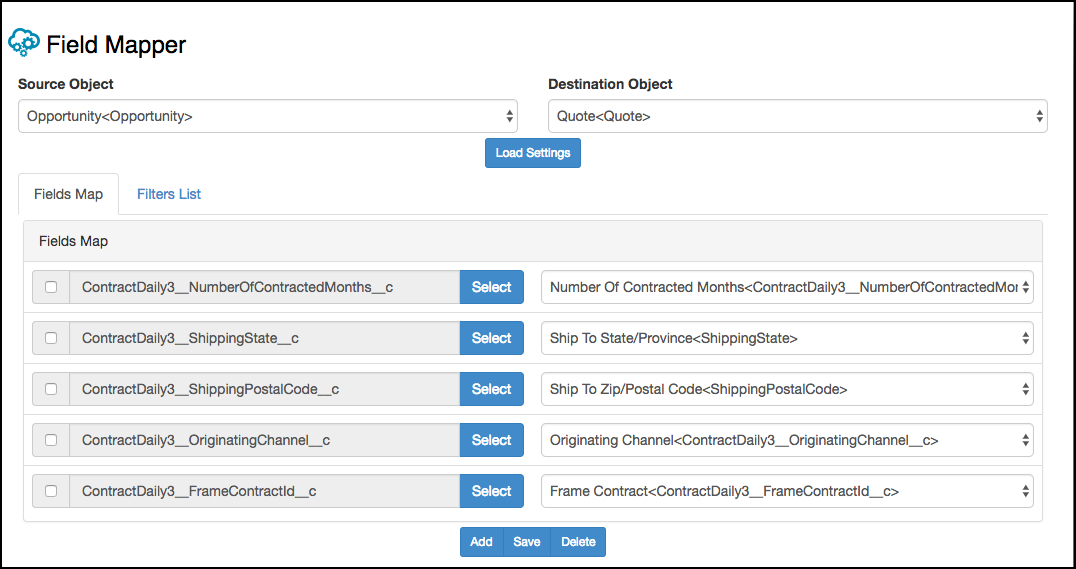
Fields on the left are fields in the source object—Opportunity. Fields on the right are fields in the destination object—Quote. The specific fields you see depends on how your org is set up.
To map a field from the opportunity to the quote, you must select the fields to map from the Opportunity list on the left and select the field from the Quote on the right.
- Click Add.
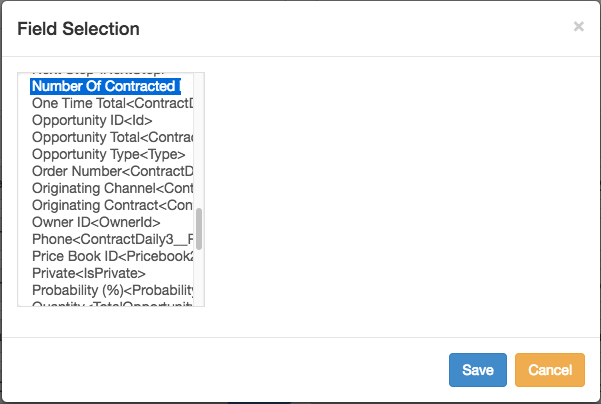
- In the Fields Map list, click Select.
-
Select the appropriate field.
The option you select in the first column may expose more columns.
- Continue to select the appropriate fields.
- Repeat steps 5 through 8 for each field to map.
- When you are done mapping fields, click Save.
- From the Source Object picklist, select Quote.
- From the Destination Object picklist, select Order.
- Repeat steps 4 through 10. Continue this procedure until you have mapped all of the object fields.