To deploy Industries CPQ in LWC, you must make the Discount field on the Opportunity Product object visible to system administrators.
-
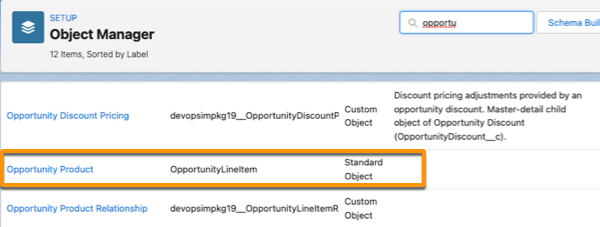
From Setup, open Object Manager.
-
From the objects list, open the Opportunity Product object (with the OpportunityLineItem API name).
-
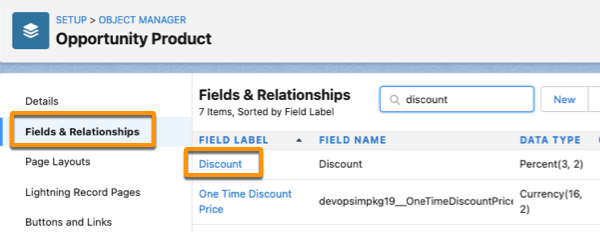
Click Fields & Relationships for Opportunity Product.
-
Click the Discount field.
-
Click View Field Accessibility.
-
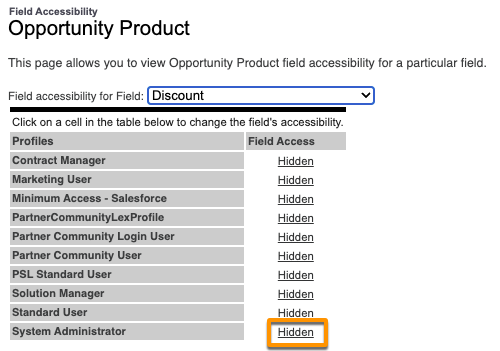
From the field accessibility list, select Discount.
-
For a system administrator profile, click Hidden in the Field Access column.
-
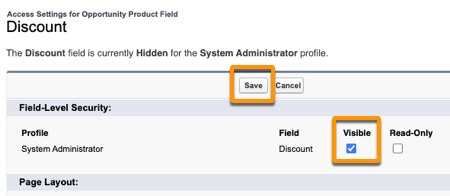
On the Access Settings page, select Visible for the profile, and click Save.
The field is visible though it shows as Hidden for the profile.
-
For each system administrator profile, repeat steps 6 – 8.