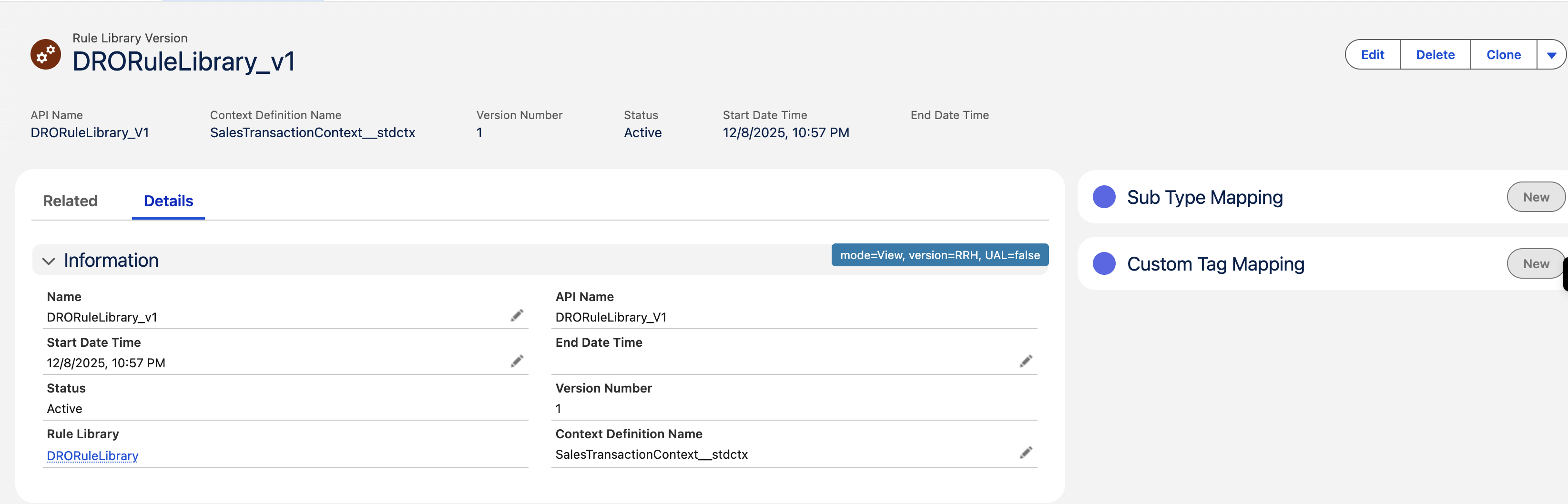
The Rule Library provides the execution framework for DRO. By linking fulfillment conditions to a specific Usage Type, you make sure that the system correctly evaluates both standard and custom Sales Transactions.
Required Editions
| Available in: Lightning Experience |
| Available in: Enterprise, Unlimited, and Developer Edition. |
| User Permissions Needed | |
|---|---|
| A set of permissions required to generate a Rule Library: | RevenueLifecycleManagementAddOn |
To create these conditions, you first need an active Rule Library. This library should link to both the DRO Usage Type and a SalesTransaction (standard and custom) Context Definition. Include options to create a Rule Library.

Note When you enable DRO, the system automatically creates a Rule Library named DRORuleLibrary
for you. This library is active and is ready to use. By default, it's set up to use the standard
data definition compatible (SalesTransactionCD), but you can easily update this setting to use
your own custom one instead.
The steps to create and activate Rule Library:
-
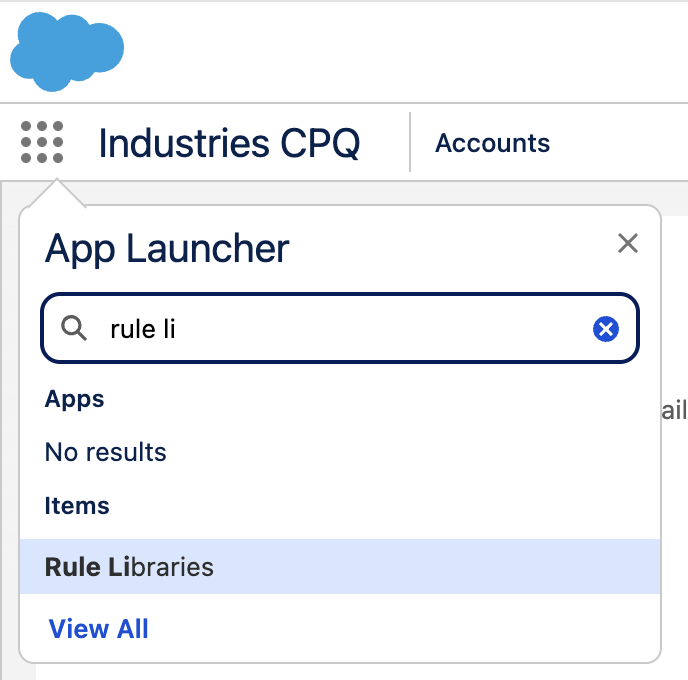
From the App Launcher, find and select Rule Libraries, and then
click View All to see the existing libraries.
-
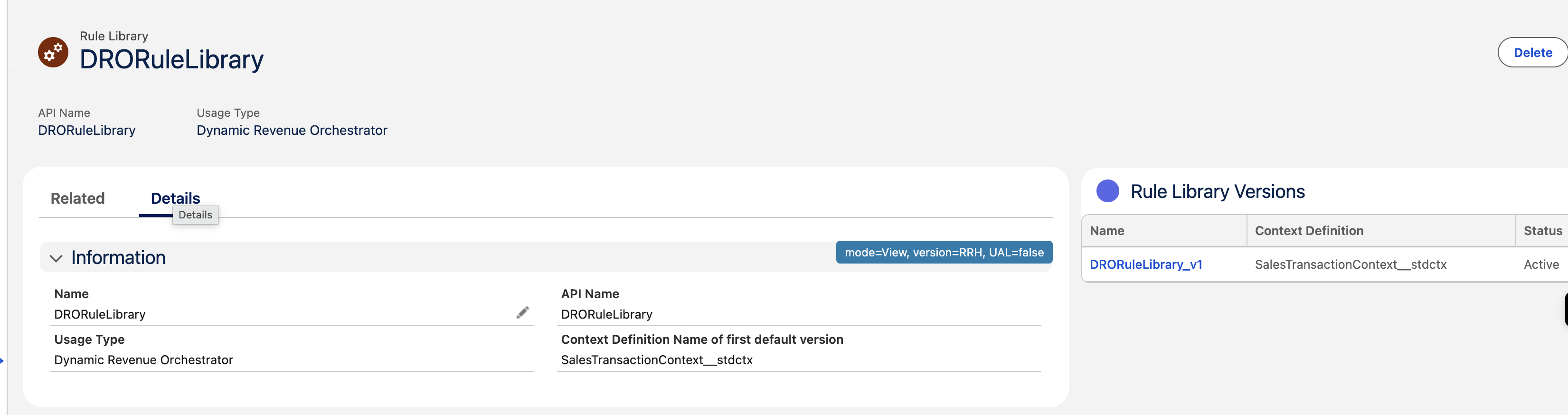
Click the DRORuleLibrary.
-
Create and activate a Rule Library version for the CMESalesTransaction context
definition.