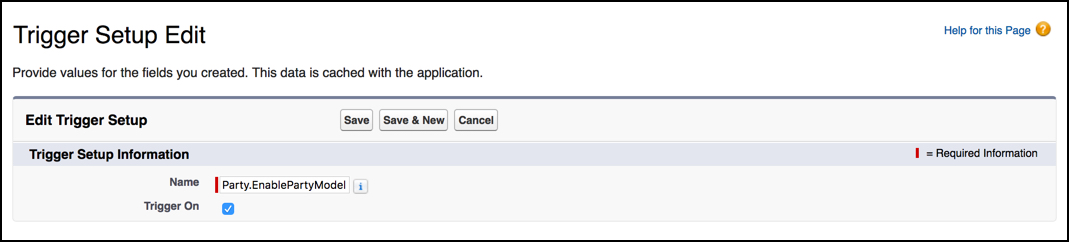
The Party.EnablePartyModel trigger controls party creation and plays a role in creating communities. This trigger is not enabled by default. If you plan to use the party relationship and the relationship graph features, you must enable the Party.EnablePartyModel trigger when you install or upgrade Salesforce Industries Communications, Media, and Energy.
Enabling the party model will increase the storage requirements in your org. In general terms, an additional party record will be generated for each account, contact, and Vlocity household record stored.
To enable the party model trigger:
- From Setup, in the Quick Find box, enter Custom Settings.
- Click Custom Settings.
- Next to Trigger Setup, click Manage.
- On the Trigger Setup page, next to Party.EnablePartyModel, click Edit.
- Ensure the Trigger On checkbox is selected. If it is not, click Edit. Select Trigger On and click Save.