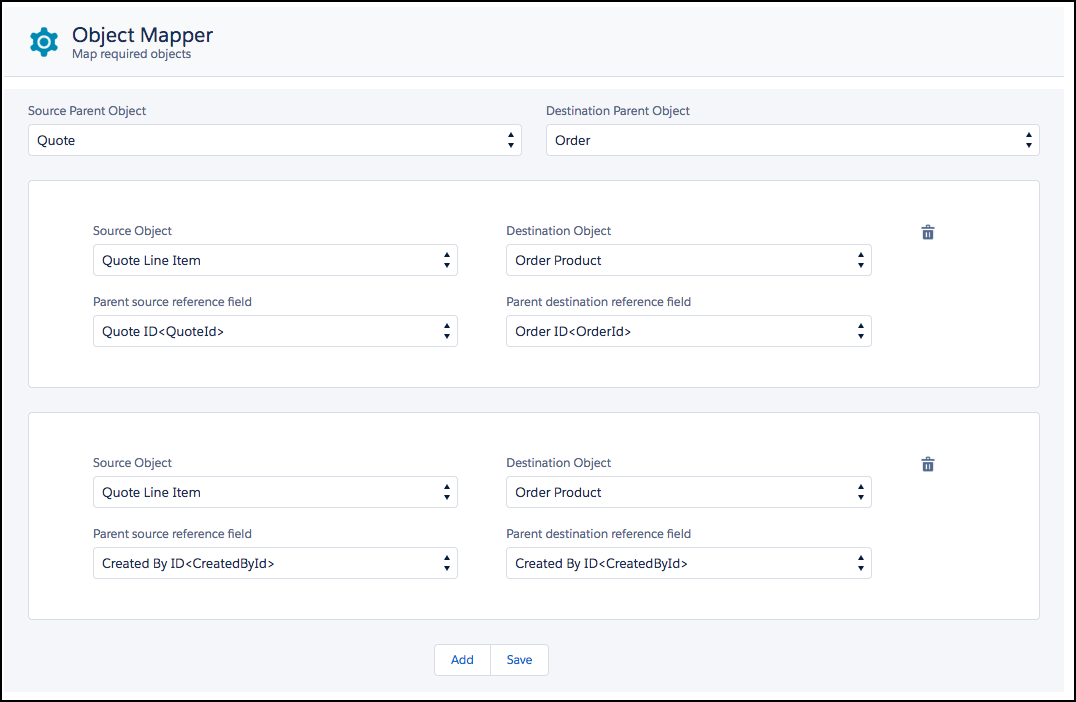
You can use the Object Mapper to delete object mappings.
To delete object mappings:
-
Go to App Launcher → Object Mapper.
-
Select the Source Parent Object element to
edit.
-
Select the Destination Parent Object element to
edit.
The mappings for those objects appear.
-
To the right of the mapping to delete, click the trash icon.

-
When the message opens, click Delete.
-
Click Save.