Delete line items from the Cart. You can remove products from the Cart without having to detach the promotions applied to these products first in Spring '22 and later. Promotions’ eligibility is evaluated after the product is removed. The promotion is removed or kept based on the evaluation results
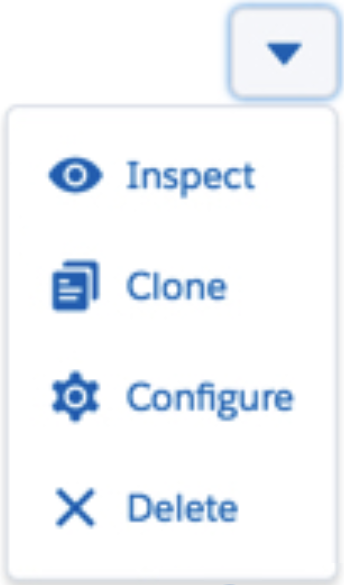
- To the right of the line item to delete, click the Show Actions button.
- Select Delete.