Odin Notification Handler APIs provide an option to let you write custom pre and post-hooks for each API to implement custom logic.
Pre-hooks execute before the actual handler API executes. Post-hooks execute after the actual handler API executes.
Here is an example of how to write a hook for an Order Item Assetize Notification:
-
Write the custom class to implement the pre and post-hook.
Here is sample code for an Order Item Assetize hook:
global with sharing class OdinOIAssetizeHandlerHookImplementation implements vlocity_cmt.VlocityOpenInterface { global Boolean invokeMethod(String methodName, Map<String, Object> input, Map<String, Object> output, Map<String, Object> options) { if( methodName.equalsIgnoreCase('processNotifications.PreInvoke')) { processNotifications_PreInvoke(methodName, input, output,options); return true; } if( methodName.equalsIgnoreCase('processNotifications.PostInvoke')) { processNotifications_PostInvoke(methodName, input, output,options); return true; } return false; } private void processNotifications_PreInvoke(String methodName, Map<String, Object> input, Map<String, Object> output, Map<String, Object> options) { //This method gets called before processNotifications List<Object> notificationList = (List<Object>) input.get('notificationList'); List<Map<String, Object>> notifMapList = convertToListOfMap(notificationList); for (Map<String, Object> oneNotifMap : notifMapList) { //Write your logic here } } private void processNotifications_PostInvoke(String methodName, Map<String, Object> input, Map<String, Object> output, Map<String, Object> options) { //This method gets called after processNotifications List<Object> notificationList = (List<Object>) input.get('notificationList'); List<Map<String, Object>> notifMapList = convertToListOfMap(notificationList); for (Map<String, Object> oneNotifMap : notifMapList) { //Write your logic here } } private List<Map<String, Object>> convertToListOfMap(List<Object> notificationList) { List<Map<String, Object>> notificationMapList = null; if (notificationList != null) { notificationMapList = new List<Map<String, Object>>(); for (Object oneNotifObj : notificationList) { notificationMapList.add((Map<String, Object>) oneNotifObj); } } return notificationMapList; } } - Create the interface implementation:
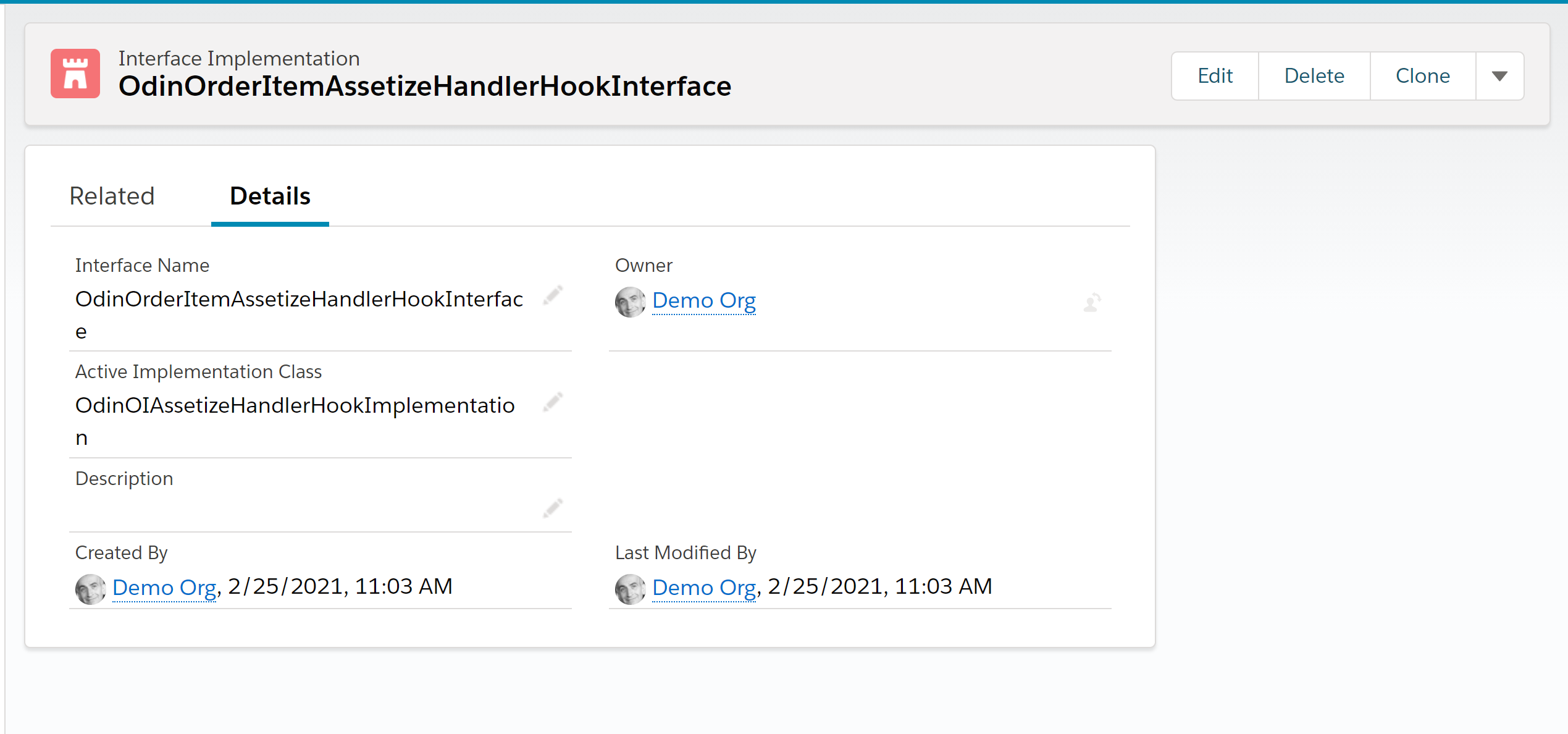
-
Create the interface implementation detail:
-
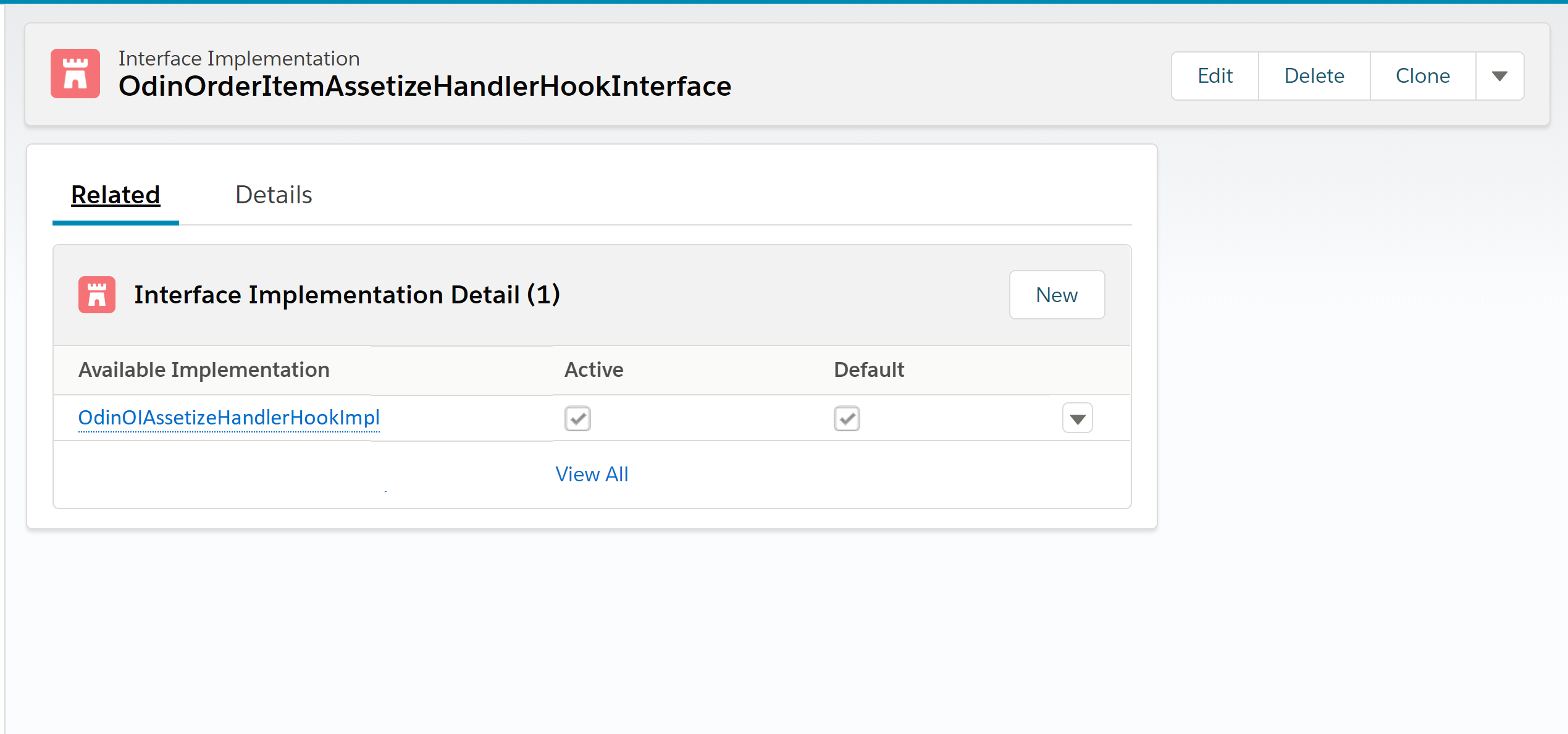
Click the Related tab for your newly created OdinOrderItemAssetizeHandlerHookInterface interface implementation.
-
Beside Interface Implementation Detail, click New.
-
In the New Interface Implementation Detail dialog, enter OdinOIAssetizeHandlerHookImpl for the Available Implementation.
-
Click Active to make this implementation the active implementation.
-
Click Save.
-