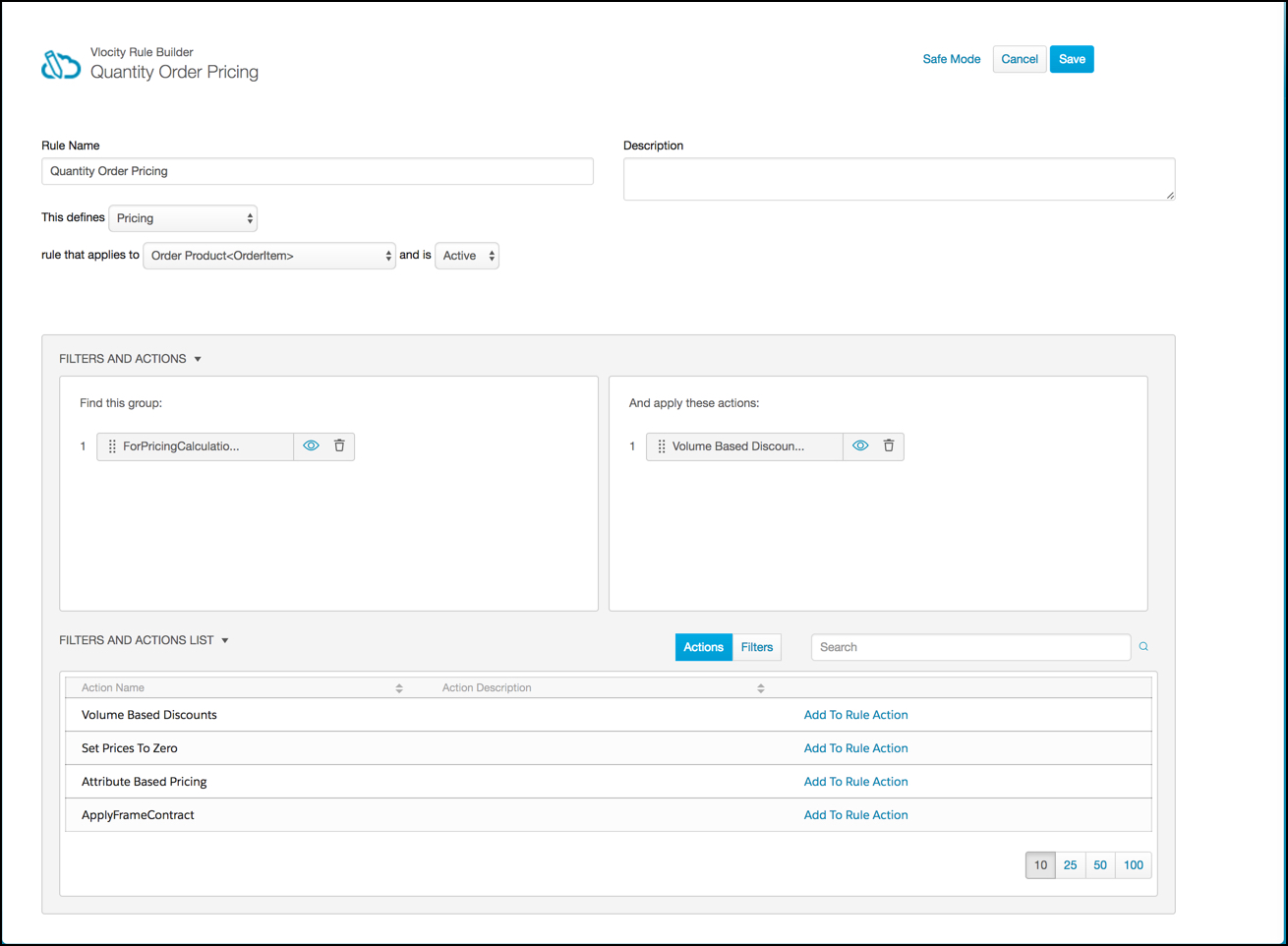
When using a pricing matrix, you must create a rule that invokes the rule action entity filter. The rule connects the calculation procedure and entity filter.
A Pricing Matrix is a powerful lookup table used to manage complex, attribute-based pricing. Instead of writing individual rules for every possible combination of product, quantity, and region, you store that data in a matrix. When the system runs a pricing rule, it "looks up" the specific input values from the cart in the matrix and returns the corresponding output.
For more information about pricing rules, see Pricing Rules.
- On the Vlocity Rules tab, click New.
- Enter the following information:
- Scroll down to the Filters and Actions list.
- In the appropriate Filter Name row, click Add to Rule Filter.
- Click Actions.
- In the appropriate Action Name row, click Add to Rule Action.
- Click Save.