The cpqCartItemPrices card is responsible to render root product prices. This card has two states: show root items prices and show Line item prices. In this example, a customer doesn’t want to show the usage pricing for the product and wants to change the field value of One time total to One time charge.
State rendering would be decided based on the product value being passed as an attribute from parent component.
- In the OmniStudio FlexCards app, open and clone the cpqCartItemPrices card.
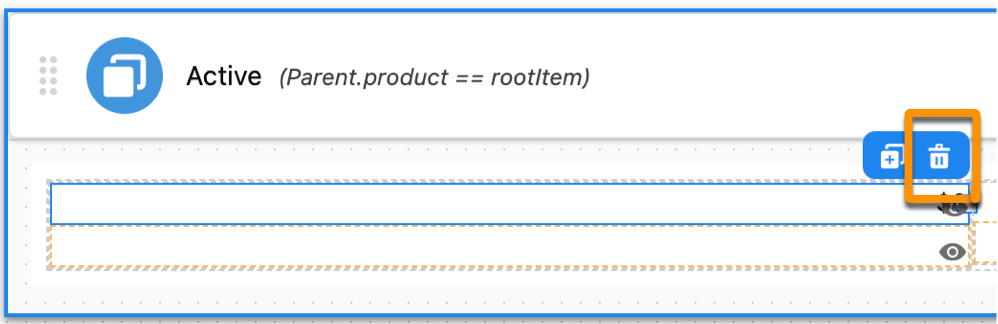
- Click the usage pricing field to delete.
- To remove the usage pricing, click on the bin icon.
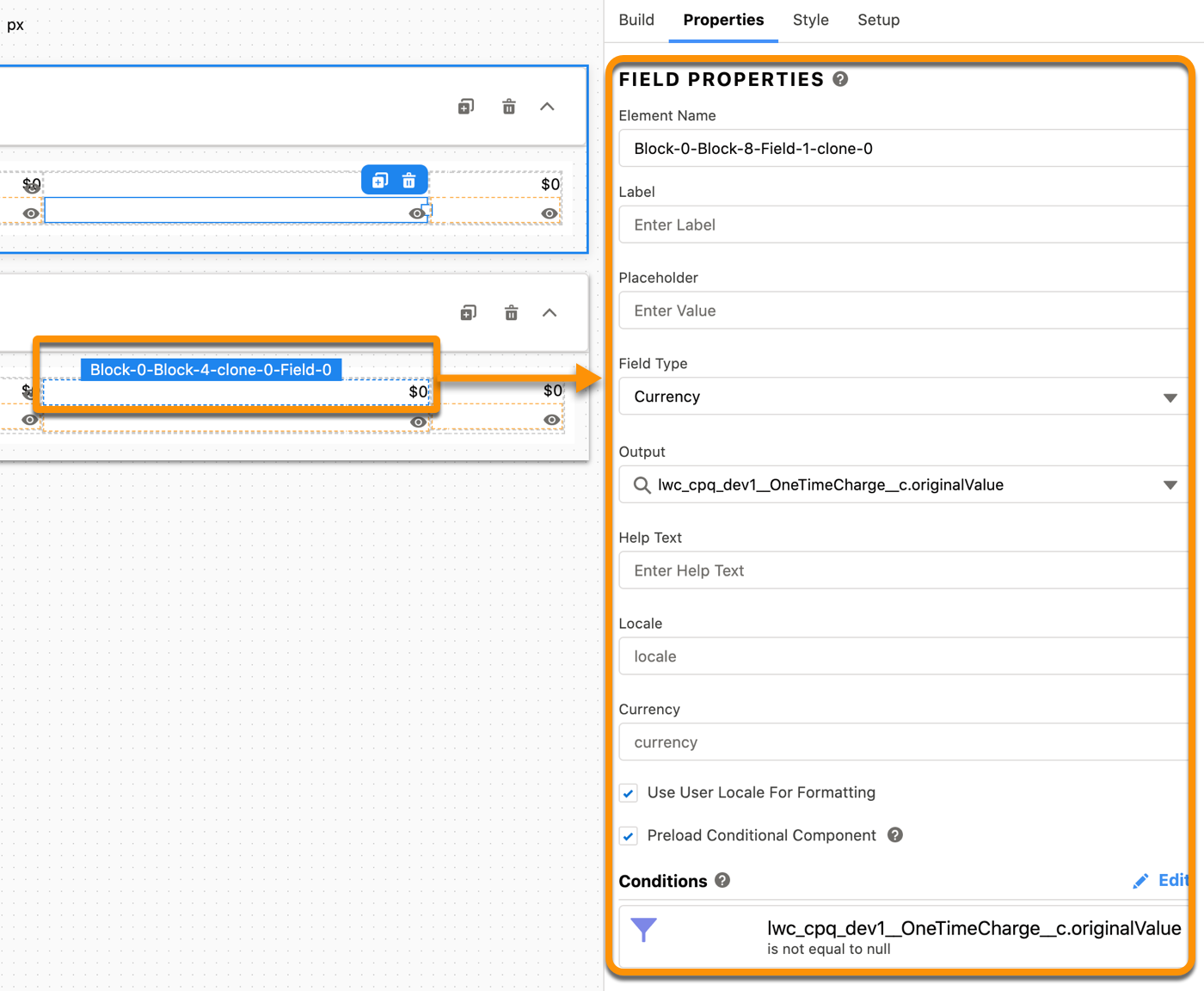
- To change the field value of an existing element, select the element to change.
- In the Field Properties tab, change the output field value to the merge field you want to display.