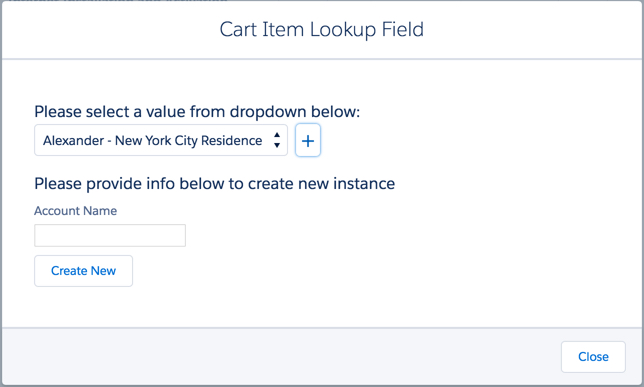
The cpq-cart-item-lookup layout renders the Cart Item Lookup Field dialog box.
Template
cpq-cart-item-lookup (layout)
Data Source
Dual
Remote Class
CpqAppHandlerRemote Method
getAvailableSitesInput Map
|
Input Map Variable |
Value |
|---|---|
|
cartId |
{{params.id}} |
|
id |
{{params.lineItemId}} |
|
lookupField |
{{params.fieldName}} |
Result JSON Path
None
REST API Information
Get Available Sites
For more information, see Get Available Sites.
GET /vlocity_cmt/v2/cpq/carts/{{params.id}}/sites?id={{params.lineItemId}}&lookupField={{params.fieldName}}Cards
Empty
Image