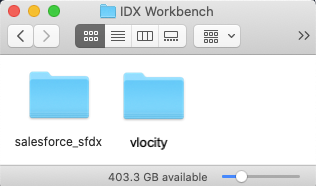
For the second step to deploy the Industries CPQ in LWC, download the Industries CPQ static resource files. Then, extract and add them to your IDX workspace folder.
-
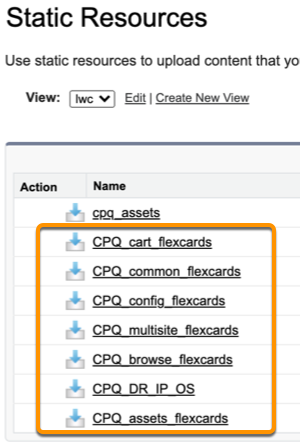
From your Salesforce org, click Setup
 and go to Static Resources.
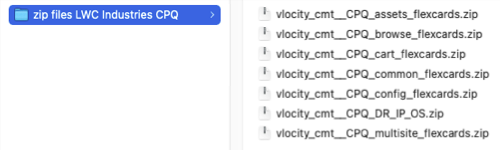
- Find and download all of the CPQ static resources: CPQ_browse_flexcards, CPQ_cart_flexcards, CPQ_common_flexcards, CPQ_config_flexcards, CPQ_multisite_flexcards, CPQ_DR_IP_OS, and CPQ_assets_flexcards.
- Extract the downloaded CPQ_browse_flexcards.zip file.
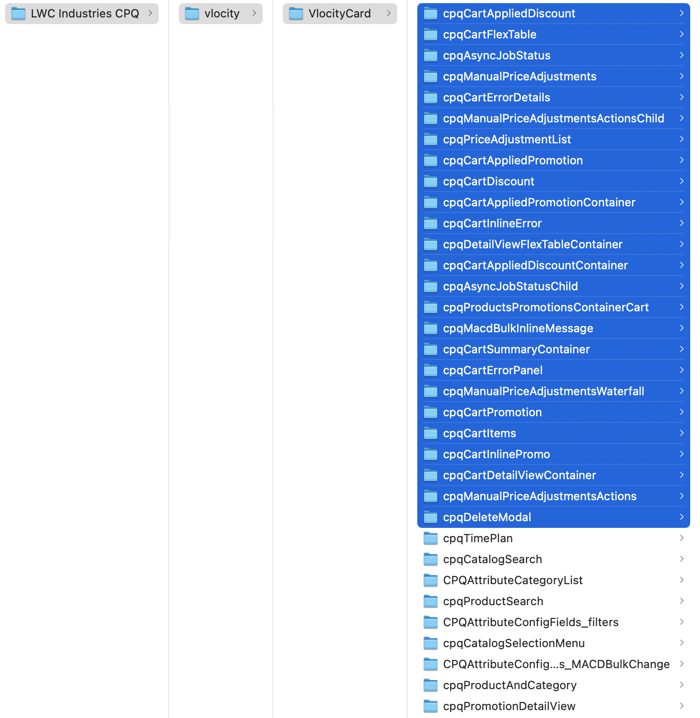
- Copy the extracted VlocityCard folder and its child folders to your IDX workbench/vlocity folder.
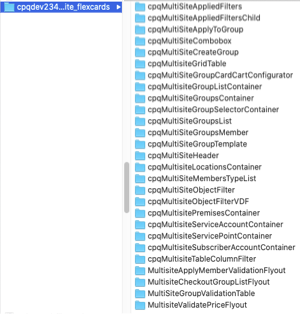
- Extract the downloaded CPQ_multisite_flexcards.zip file.
- Copy the multisite child folders into your IDX workbench/vlocity/VlocityCard folder.
-
Extract the downloaded CPQ_cart_flexcards.zip,
CPQ_config_flexcards.zip, and CPQ_asssets_flexcards.zip
files.
The extraction creates the folders VlocityCard 2, VlocityCard 3, and VlocityCard 4.
-
Copy the child folders in VlocityCard 2 into your
IDX
workbench/vlocity/VlocityCard folder.
Don't copy the parent VlocityCard 2 folder.
- Copy and paste the child folders in VlocityCard 3 into your IDX workbench/vlocity/VlocityCard folder.
- Copy and paste the child folders in VlocityCard 4 into your IDX workbench/vlocity/VlocityCard folder.
-
Extract the CPQ_common_flexcards.zip file.
The extraction creates the vlocity_cmt__CPQ_common_flexcards folder with two child folders VlocityCard and salesforce_sfdx.
- Copy all the child folders in vlocity_cmt__CPQ_common_flexcards/VlocityCard into your IDX workbench/vlocity/VlocityCard folder.
- From the extracted vlocity_cmt__CPQ_common_flexcards folder, copy the salesforce_sfdx folder into your IDX workbench/ folder.
-
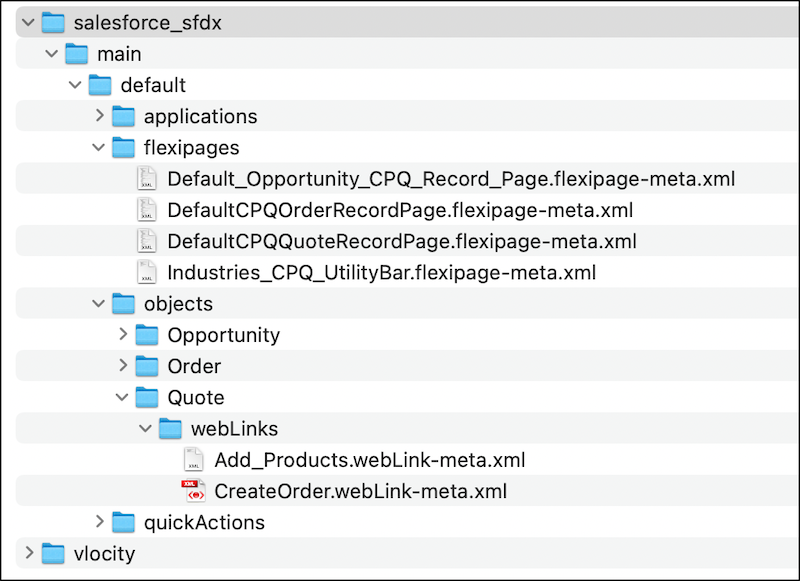
In your IDX workbench/salesforce_sfdx/
folder, delete the CME or INS files that you're not using.
If you're using the INS package, delete the CME files.
-
In the main/default/objects/Quote/webLinks/ folder, delete CreateOrder.webLink-meta.xml.
If you're using the CME package, delete the INS files.
-
In the main/default/objects/Quote/webLinks/ folder, delete INSCreateOrder.webLink-meta.xml.
-
-
Extract the downloaded CPQ_DR_IP_OS.zip file.
The extraction creates a vlocity_cmt__CPQ_DR_IP_OS/ folder with three child folders: DataMapper, Omniscript, and IntegrationProcedure.
- Copy DataMapper, Omniscript, and IntegrationProcedure into your IDX workbench/vlocity folder.
- In your IDX workbench folder, create a sfdx-project.json file with a copy of the following code.