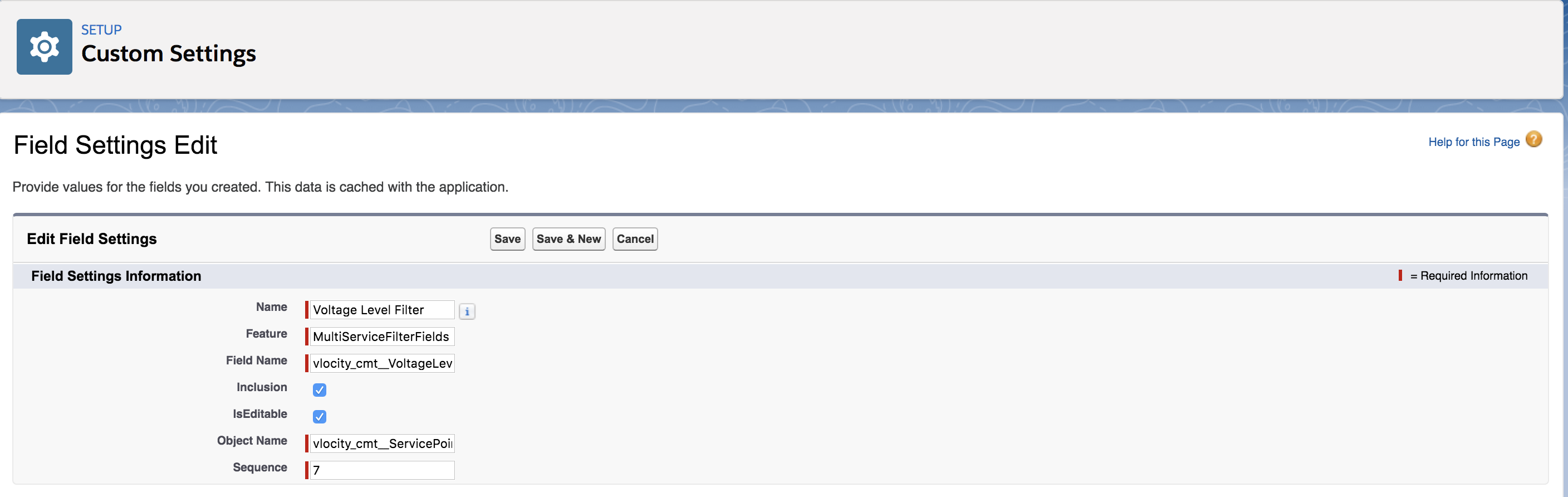
For any grouping object, you can customize filters.
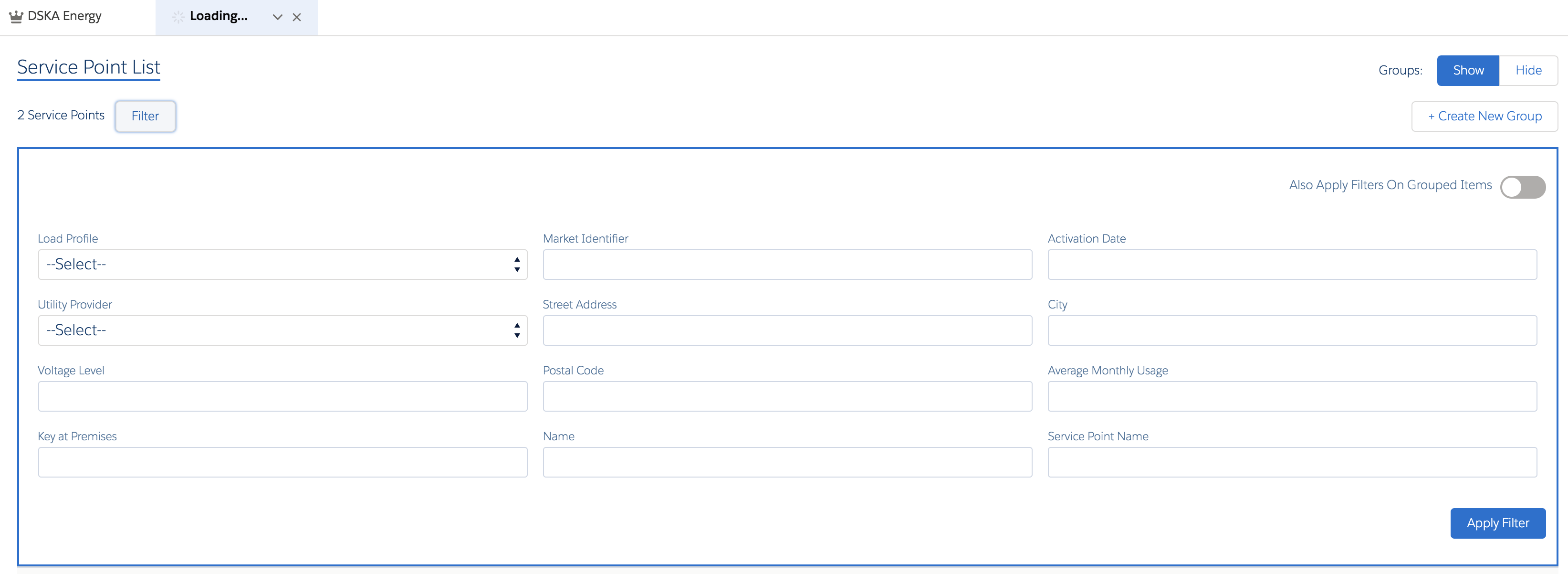
For example, the default set of fields used to filter Service Points include:
-
Service Point.LoadProfile
-
Service Point.MeterType
-
Service Point.UtilityProvider
-
Service Point.ServiceType
-
Service Point.VoltageLevel
To configure filters:
- Follow steps 1 through 6 listed in Customizing the Field Settings.
- For Feature, enter MultiServiceFilterFields. For example, the Voltage Level Filter uses the MultiServiceFilterFields Feature.
-
Click Save.
The new filter is added to the Field Settings list.