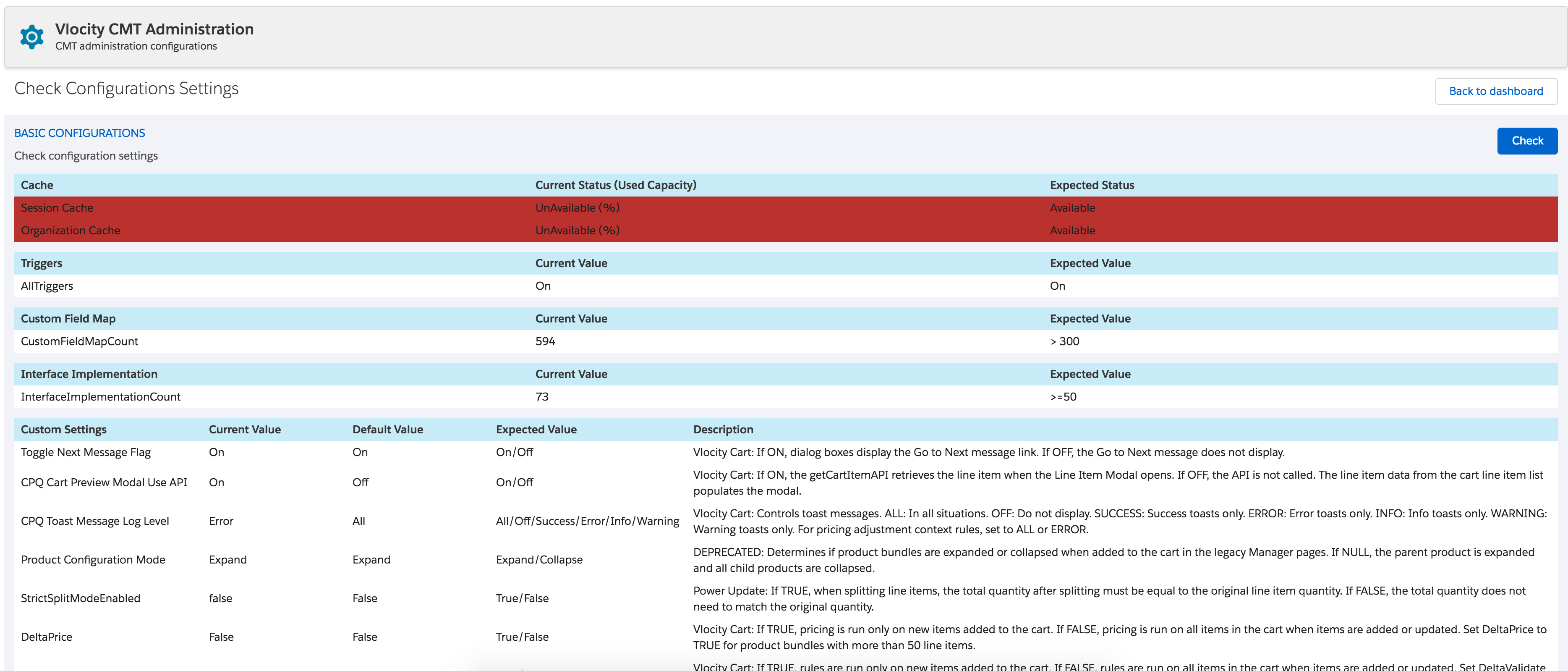
You can view the current values for your CPQ configuration settings.
To check your settings:
-
Go to the Vlocity CMT Administration tab:
-
Open the App Launcher and then click the Vlocity CME Admin app.
-
Click Vlocity CMT Administration.
-
- Under Diagnostics, select Check Configurations Settings.
- Click Check.
- To modify settings, return to the dashboard, and, under Custom Settings, select CPQ Configuration Setup.