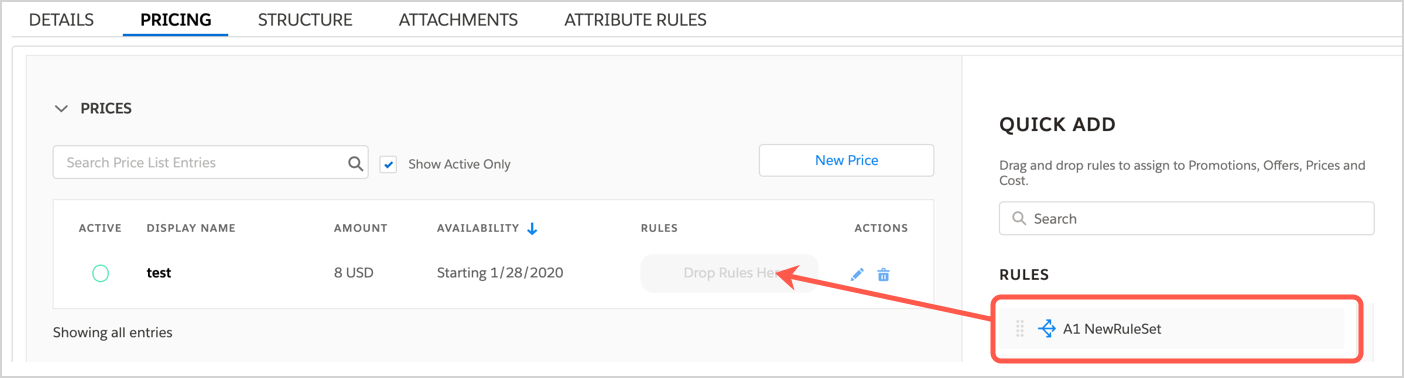
To assign a context rule to a promotion, offers, prices, or cost:
- Open a product specification or offering, and click the Pricing tab.
- Expand the Prices, Promotions & Offers, or Costs section that needs a rule.
- Select a rule from the Quick Add panel.
- Drag and drop the rule to the Rules column on the row for your item.
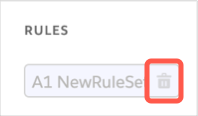
- To remove a rule, click the Delete icon for the rule.