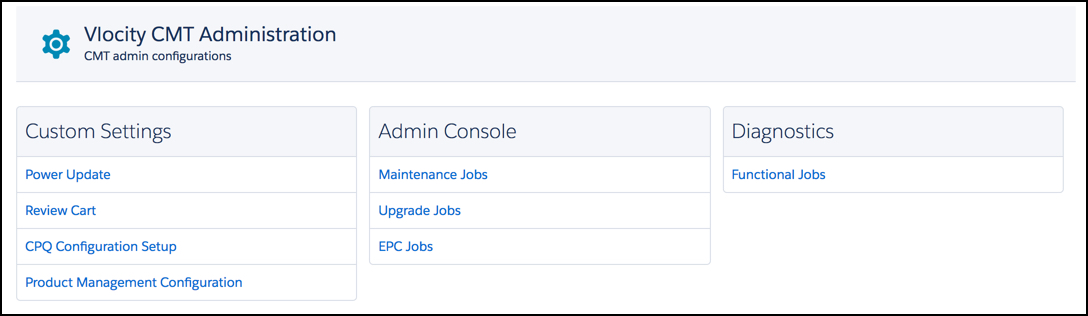
You can add custom settings on the CMT Administration tab's CPQ Configuration Setup page.
- Go to the Vlocity CMT Administration tab, and under Custom Settings select CPQ Configuration Setup.
- At the bottom of the CPQ Setup Configuration settings page, click Add.
- In the field on the left, enter the setting name.
- In the field on the right, enter the desired value.
- Click Save.