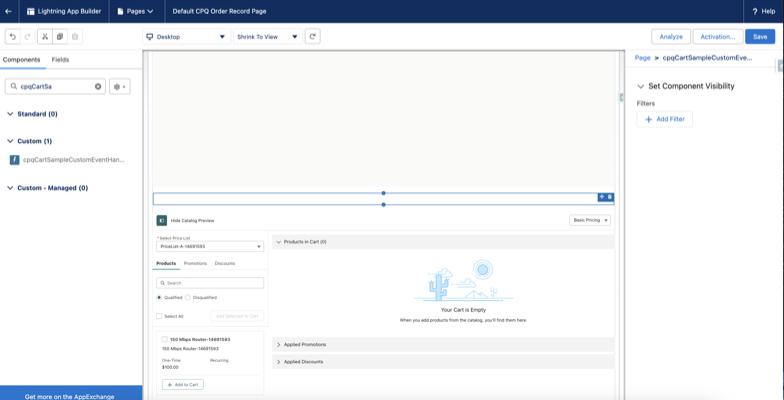
Learn how to add a custom component to the cpqCartTab in Salesforce CPQ using the additionalCustomJson parameter.
- In Setup, open the Object Manager.
- In the Quick Find box, enter order, and then select Order.
- Click Lightning Record Pages and then select Order Record Page.
- Click Edit.
- Navigate to the Cart tab and select the cpqCartTab component.
- Configure the
additionalCustomJsonparameter.Add the necessary JSON code to define custom fields, actions, or other configurations. - Save and activate the changes.
The
cpqCartTabwill display the added component based on the JSON configuration.