
It’s quick and easy to enroll someone in a care program and capture their consent to participate.
Required Editions
|
Available in: Lightning Experience Available in: Enterprise and Unlimited Editions with Health Cloud or Life Sciences Cloud |

Note You can enroll a care program enrollee in the same program only once. If you try to
create a program enrollment record for an existing care program enrollee and program
combination, the operation fails with this error: The selected enrollee is already
associated with the program. Specify another program or enrollee and try again. This
constraint also applies to bulk operations, such as when you use Data Loader to create
program enrollment records for the same care program enrollee and program.
- From the Detail page of a participant’s Person Account record, select Enroll in Program.
- Select the care program from the list of available programs.
- Click Next.
-
Select the products that are related to the program and click Next.
To filter the list to see only the products you’ve selected, click Show Selected.
-
Select the providers associated with the product and click
Next.
If the product doesn’t have an associated provider, you can skip it and click Next.
-
Review the products and providers associated with the program.
You can navigate to previous screens, and make changes, if necessary.
- Click Enroll.
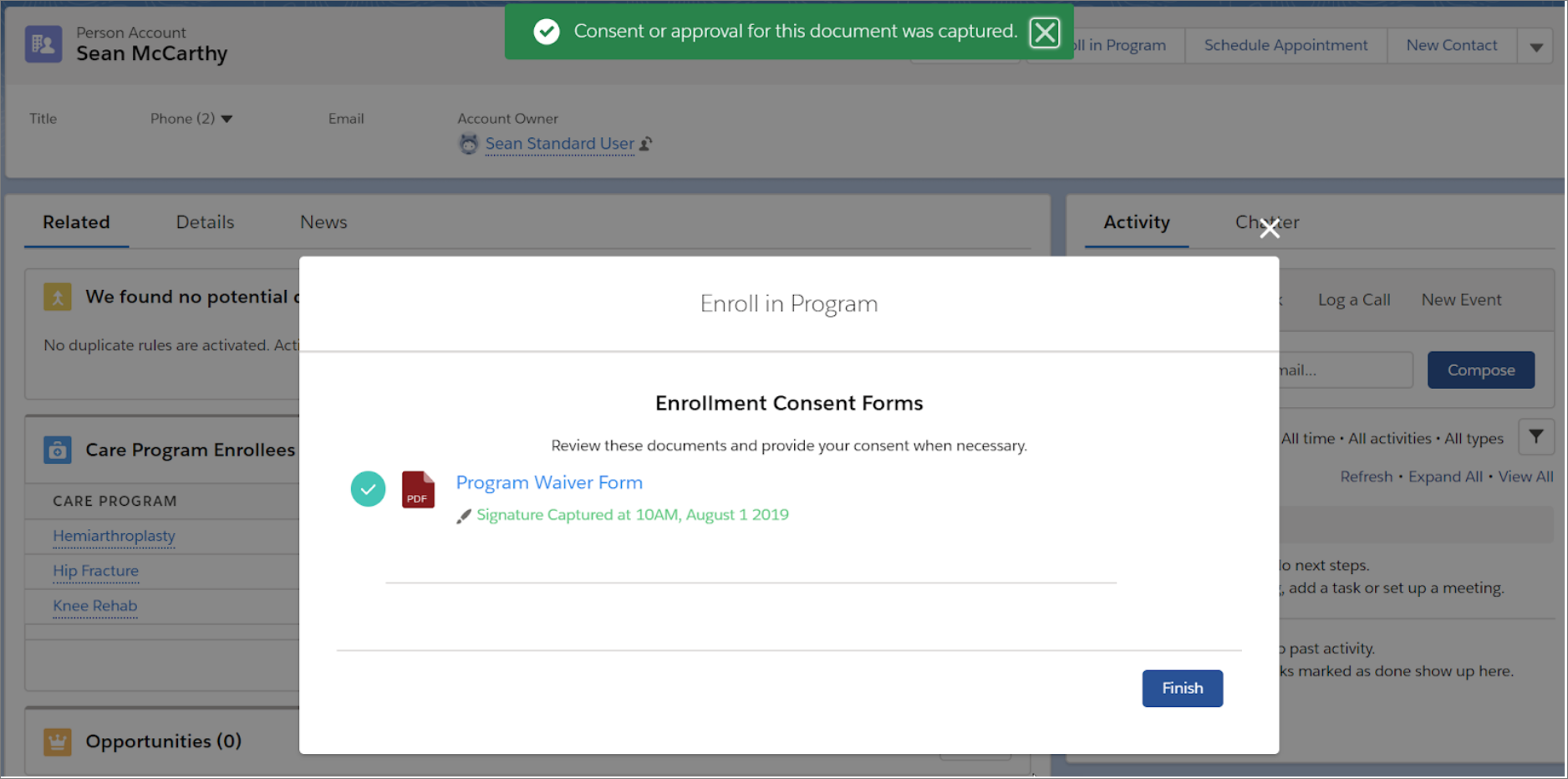
- If the participant is present with you, have them review any related consent forms by selecting the name of the form.
- Have the participant sign in the signature box and click Consent for forms that require a signature or click Accept for forms that are informational only.
- Click Finish.
Note When the participant isn’t physically present, they can log into the Experience Cloud site
and see which programs have forms to review and to provide consent for. The care program card
indicates that there are forms to review. When the participant selects the card, the Care
Program Enrollee page opens so that they can review forms and provide consent, if necessary.