Store the definition’s context tag values in the expression set version using local list
variables. In an expression set, local list variables are hierarchical resources (you can create
parent and child hierarchies with them), while variables and constants are flat resources.
Required Editions
| Available in: Lightning Experience |
| Available in: Enterprise, Unlimited, and Developer
Editions for clouds that have Business Rules Engine enabled |
| User Permissions Needed |
| To create an expression set that uses a context definition: |
Rule Engine |
| To use the definition’s tags as local list variables in the expression set’s version
steps: |
Rule Engine |
-
From the App Launcher (
 ), find and select Business Rules Engine.
-
Click the app navigation menu, and then select Expression
Sets.
-
Select an expression set.
-
From the Expression Set Versions area, select a version.
The version opens in Expression Set Builder.
-
To create local list variables,
-
Click
 .
.
-
Click Add Resource.
-
In Resource Type, select Local List
Variable.
-
In Level, select Node.
-
In Parent Node, select the node in the context definition.
-
Enter the Resource Name and Data
Type.
-
Save your changes.
-
Continue to create the nodes and attributes you need to use in the expression set
version.
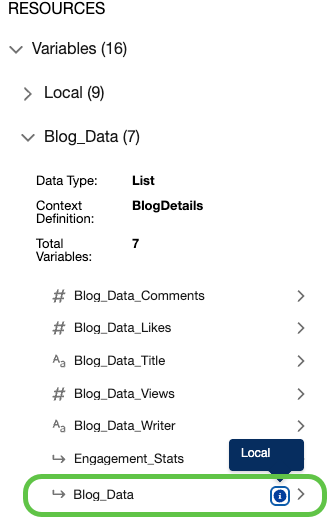
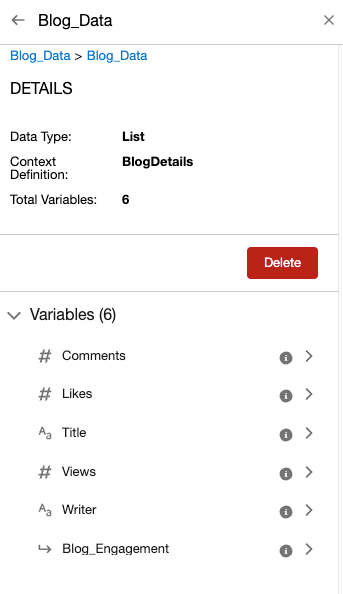
The hierarchy of the local list variables appears in the list of tags for the context
definition.

 Tip To set the node at the root level, leave the Parent Node field empty.