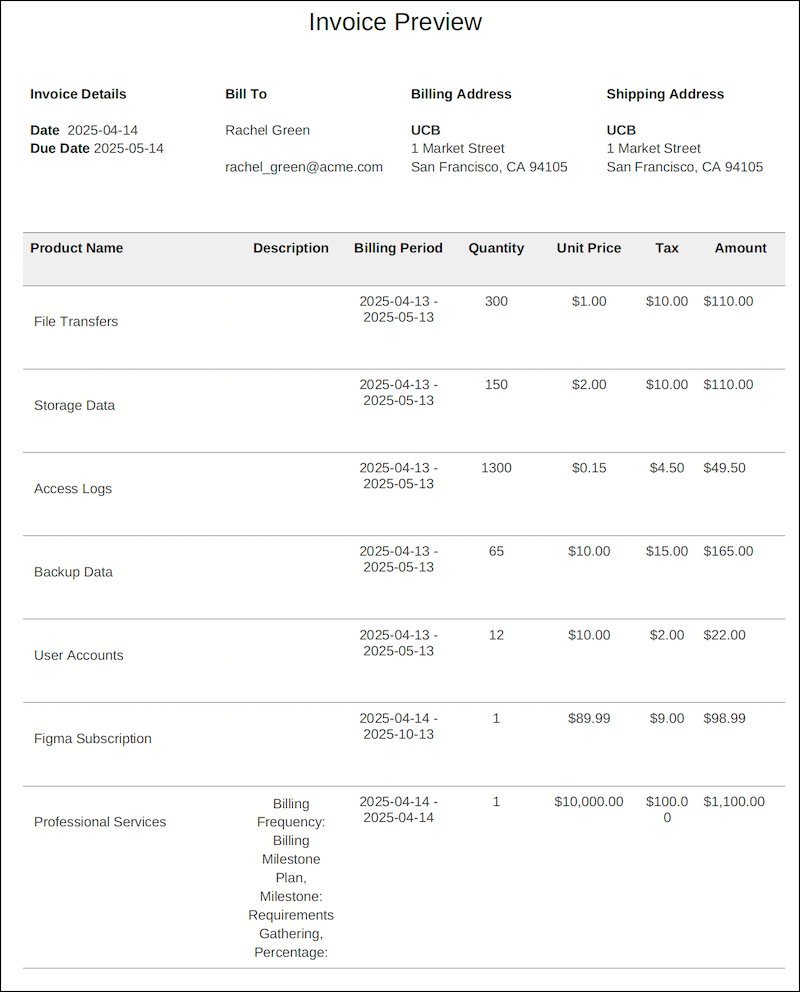
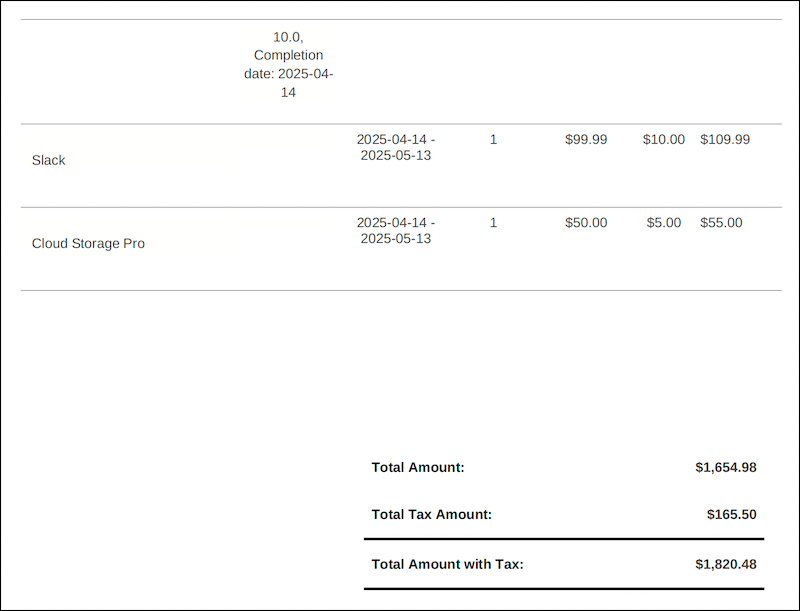
Preview invoices for the next two billing periods of billing schedule groups.
Required Editions
| Available in: Lightning Experience |
| Available in: Enterprise, Unlimited, and Developer Editions with the Revenue Cloud Billing license. Contact your Salesforce account executive for more information. |
| User Permissions Needed | |
|---|---|
| To generate invoice previews: |
You must have one of these permission sets:
|
- Open the Billing Schedule Group record that you want to generate an invoice preview for.
-
Go to Preview Invoices tab, select a preview date and the number of billing
periods.
The default preview date is the effective next billing date of the billing schedule group and the default number of billing periods is 1.
- Click Preview.

Note You can't generate PDF documents for the invoice previews of billing schedule
groups.
In the generated invoice previews, bundled products are shown in a hierarchy for up to five levels. This helps you distinguish bundled and independent products.