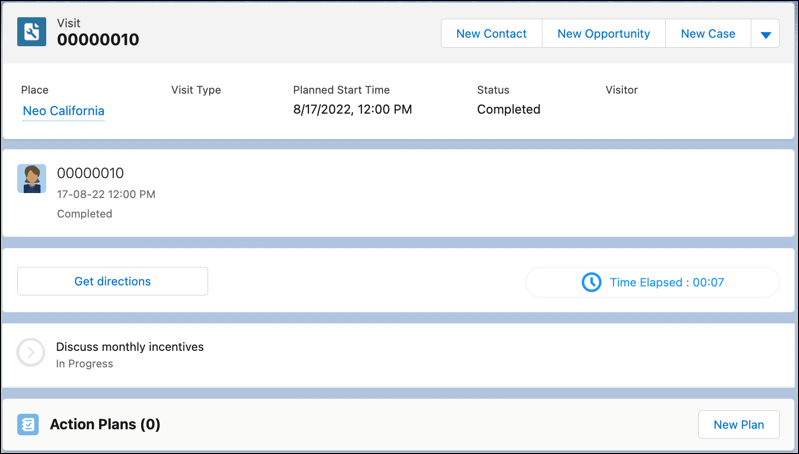
Create a visit and assign an evaluation officer or district manager to the intended
visit location, such as a dealer showroom, an office, or a warehouse. Provide an expected date and
time for the visit and additional instructions if necessary.
Required Editions
| Available in: Enterprise, Unlimited, and Developer
Editions. |
| User Permissions Needed |
| To create visits: |
- Partner Visit Management permission set
- Create access on Visit
|
-
From the App Launcher, find and select Visits.
-
Click New.
-
Click the down arrow for Place, select Locations or
Addresses, and then select the required record.
-
For Visit Priority, select an option:
-
Select the account of the dealer.
-
Enter the start date, the end date, and the time.
The actual time can vary based on the real-time activity of the field rep.
-
For Context, select one of the following type of records.
- Sales Agreement
- Advanced Account Forecast Set Use
- Advanced Account Forecast Set Partner
- Account Manager Targets
- Manufacturing Program
- Vehicle
- Rebate Program
-
Provide special instructions to the evaluation officer, if necessary.
For example, sales managers can ask an officer to request feedback on a new product while
at a dealer’s location.
-
Click the down arrow for Visitor, select People, and then select an
evaluation officer.
-
Save your changes.