You can access ARC from any account in the Agentforce Financial Services, control how to view ARC, and see your client’s details, all in one place.
Required Editions
| Available in: Lightning Experience |
| Available in: Professional, Enterprise, and Unlimited Editions |
Your view can differ depending on your personalization and any customization by your admin.
Access ARC
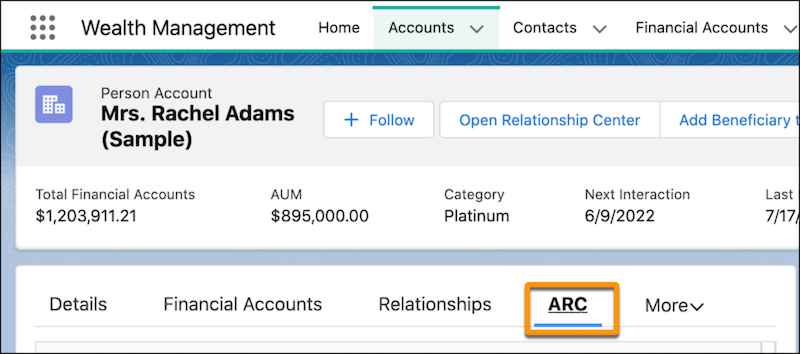
Navigate to the account that you want to view. You can select an account from the Accounts tab in the navigation bar or you can search for an account by name in the search bar. Select the ARC tab.
Control Your View of ARC
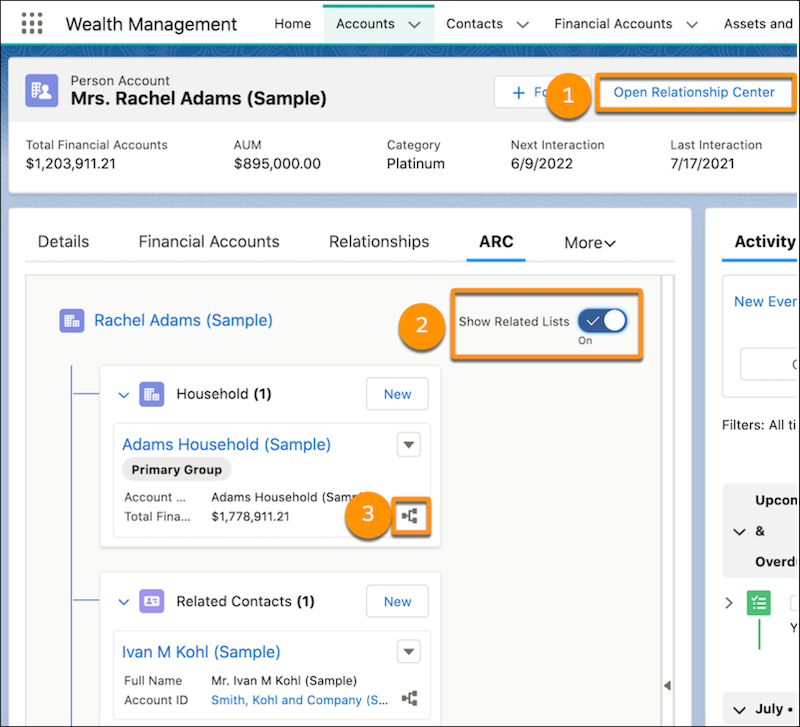
- To expand the visualization to a full-screen view, click Open Relationship Center (1).
- To view the related lists of other information related to a record, turn on Show Related Lists (2). Links and details for associated records are grouped within related lists. With some related lists, you can perform common tasks such as creating records or attaching files.
- The map icon (3) indicates that you can expand the card to show other related cards. To expand the account’s related records, click anywhere within the card.
View Record Details in ARC
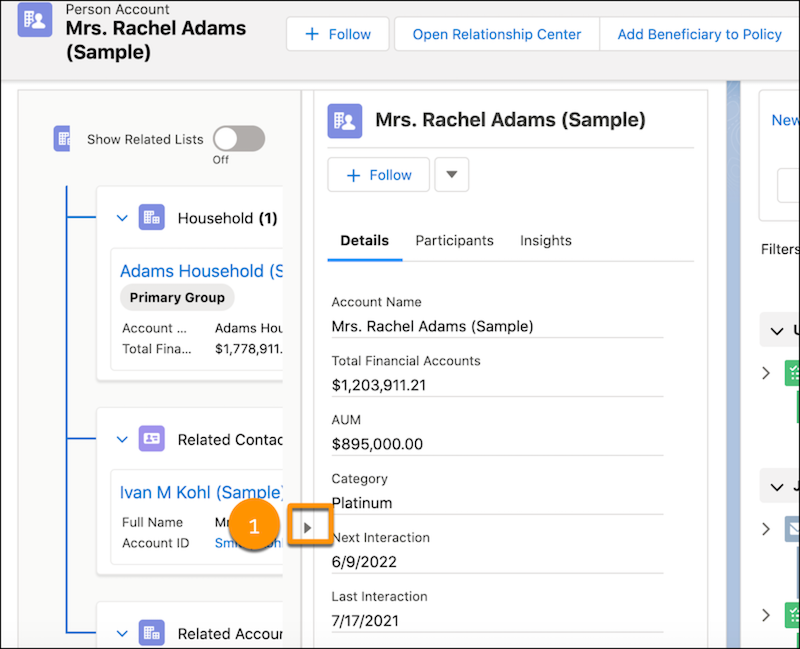
The Details tab within the side detail panel displays record highlights and summaries. These can be customized by your admin. To expand the detail panel, click the arrow on the right side of the ARC visualization.
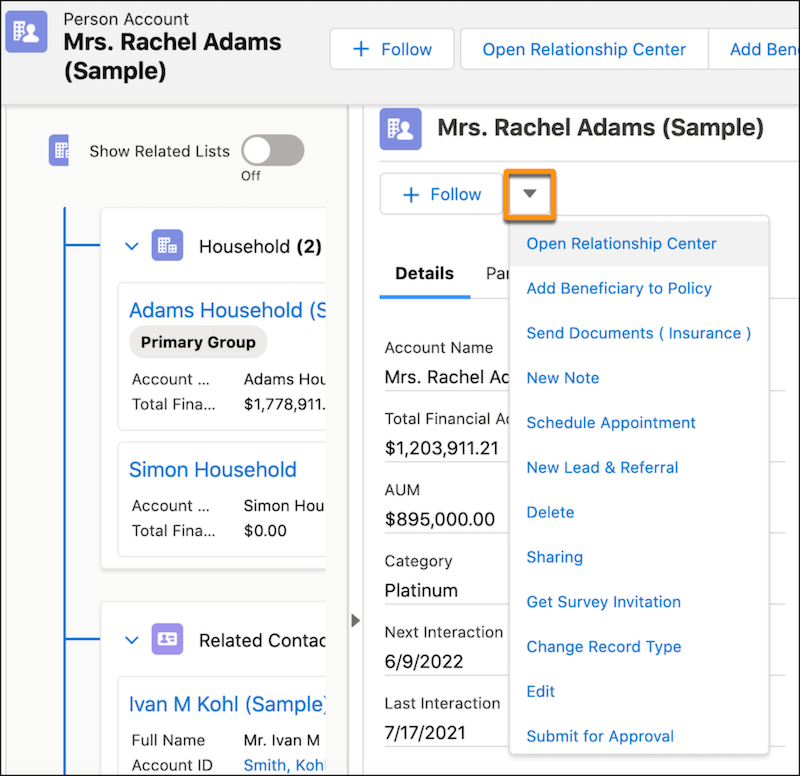
Use the Details tab to conveniently access the same quick actions that are available for the record type. To access quick actions, click the arrow to expand the dropdown menu.